

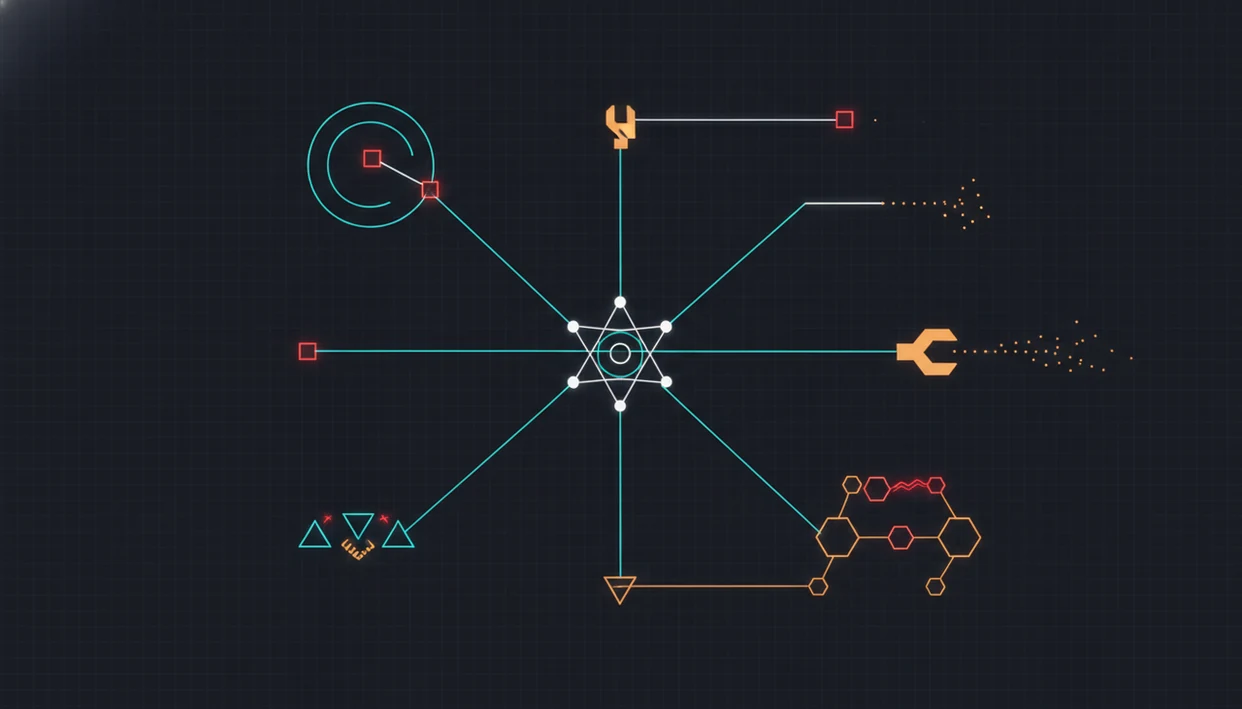
AI Agent Failure Modes at a Glance
AI agent failure modes are the main ways an agent can look busy while producing unreliable work. The core classes are hallucination loops, drift, tool misuse, context loss, bad handoffs, verification failures, and cascading errors.
A hallucination loop repeats a false premise. Drift moves away from the original goal. Tool misuse calls the wrong API, passes malformed arguments, or trusts a bad return value. Context loss drops an important instruction or source. A bad handoff sends incomplete work to the next agent.
Quiet failures are the dangerous ones.
Microsoft’s 2025 taxonomy work identifies 13 distinct failure modes in agentic AI systems (Microsoft Research). A 2025 multi-agent LLM study found 14 unique failure modes across system design, inter-agent misalignment, and task verification (arXiv). For teams routing work across chat, writing, image, document, and detection agents, the job is not just better prompting. It is controlled task routing, observation, and review.
Five Facts About AI Agent Failure Modes
- AI agent failure modes are not only hallucinations. They also include tool errors, context loss, scope creep, instruction drift, verification failures, and cascading mistakes.
- Multi-agent routing adds new failure points. Handoffs, orchestration rules, and receiving-agent validation can all break even when each individual agent seems competent.
- Detection should use production evidence. Useful traces include prompts, tool calls, retrieved context, output versions, model versions, and user corrections.
- Structural mitigations usually beat prompt-only fixes. Scoped tools, schemas, confidence gates, drift checks, and release tests give teams more control than wording changes alone.
- Failure should be measured by business impact. A minor wording issue and a wrong customer-facing policy answer do not belong in the same severity bucket.
For reliability teams, production traces are often more useful than synthetic demos because they show how real users combine messy inputs, unclear goals, and changing context.
How AI Agent Failure Modes Work in Production
AI agent failure modes emerge when an agent loop misreads the goal, builds the wrong plan, retrieves weak context, calls tools incorrectly, generates an output, skips verification, and continues anyway. In plain language, one small miss becomes the next step’s starting point.
A typical agent loop has seven parts: interpret the request, plan steps, retrieve context, call tools, generate output, verify the result, and decide whether to continue. If retrieval brings in a stale source, the next tool call may be valid but aimed at the wrong target. If a tool returns an error and the agent treats it as success, the final answer can sound confident and still be wrong.
That confidence is the trap.
Multi-agent workflows add another layer. A writing agent, document agent, and detection agent may each optimize for different goals. Without a clear handoff packet, the next agent can inherit a distorted task and finish it neatly.
Before You Start: Inputs Needed to Detect AI Agent Failure Modes
Before incident review starts, collect enough evidence to reconstruct what the agent saw, did, and handed off. The goal is not perfect observability; it is a consistent packet that lets reviewers classify failures without guessing.
- Gather the trace material. Include prompts, system instructions, retrieved context, tool calls, tool returns, errors, retries, output versions, model and app versions, user corrections, and timestamps. Add the workflow owner, engineering owner, support owner, and any approver for high-impact actions.
- Define the review boundary. State which chat, writing, image, document, detection, or multi-agent workflows are in scope. Exclude experiments, sandbox runs, test accounts, or unsupported user paths unless they reached production users.
- Require minimum classification fields. Capture workflow, agent type, primary failure class, severity, affected user or segment, release version, trigger, observed impact, and final disposition.
- Set privacy handling before storage. Decide whether prompts, uploaded files, screenshots, and user corrections can be stored raw, redacted, hashed, or only referenced by secure ID.
- Choose an initial severity scale. Use a simple ladder before labeling incidents, such as nuisance, workflow blocker, customer-impacting, regulated-risk, and irreversible-action risk.
How to Detect AI Agent Failure Modes
Detect AI agent failure modes by recording complete workflow traces, labeling incidents with a shared taxonomy, clustering repeated failures, and turning real incidents into regression tests. This is the practical “how to use” process for failure detection.
1. Capture complete session traces
Record prompts, system instructions, retrieved context, tool calls, outputs, model versions, app versions, and user corrections. The boring fields matter later.
2. Tag each agent failure class
Assign one primary failure class and one severity level. Keep labels simple enough that support, product, and engineering use them the same way.
3. Cluster repeated production incidents
Group failures by workflow, agent, tool, user segment, and release version. A single broken demo is interesting; a repeated pattern is operational evidence.
4. Convert incidents into eval cases
Build an initial eval set from 30 to 50 high-quality incidents that cover core workflows. Strong incident examples beat random prompt collections.
5. Block regressions before release
Run regression gates before shipping new agent versions. A release should not fix one workflow while quietly breaking another.
How to Apply an AI Agent Failure Mode Taxonomy
Apply an AI agent failure mode taxonomy as a decision tool, not a filing system. The goal is to make repeated failures point to engineering work, ownership, and release gates.
- Start with a small label set. Cover the failure classes that usually change decisions: drift, tool misuse, handoff failure, and weak verification. Add hallucination or context loss only if those labels lead to different fixes.
- Assign one primary class. Give every incident a single main failure class and one business severity level. If everything gets three labels, the pattern becomes hard to act on.
- Map patterns to structural fixes. When the same class repeats, choose a mitigation such as scoped permissions, schema validation, handoff packets, confidence gates, or regression tests. Do not stop at a prompt edit unless the evidence supports it.
- Review disagreements weekly. Compare disputed labels across support, product, and engineering until the same incident would be classified the same way by each team.
- Retire labels that do not change action. Merge vague or unused categories when they no longer affect routing, ownership, tests, or release decisions.
Step 1: Map the AI Agent Task Boundary
Map the task boundary before the agent starts acting. Define the user goal, allowed actions, expected output, and stop condition in language a reviewer can check.
A task boundary separates execution from open-ended exploration. “Summarize this PDF into five risk bullets” is bounded. “Research the market and keep improving the answer” invites loops, source sprawl, and goal drift. Anyone who has dragged a PDF into a document agent and waited for the page count to finish loading knows the first instruction shapes everything after it.
Use explicit boundaries for chat, writing, image, document, and detection workflows. A writing agent needs tone, audience, format, and forbidden claims. An image agent needs style constraints and revision limits. A detection workflow needs the score threshold and the review step.
For most teams, a narrow task boundary is safer than a broad autonomous brief because it gives the system a clear stop condition.
Step 2: Add AI Agent Tool and Schema Guardrails
Tool and schema guardrails reduce failures by limiting what an agent can call, what it can send, and what outputs count as valid. The deeper topic is covered in AI agent tool calling, but the reliability rule is simple: tools need contracts.
Scope permissions to the agent’s job. A document summary agent may need file retrieval, but not billing access. A support triage agent may tag tickets, but should not close disputed cases without confirmation.
Schemas catch malformed arguments and broken returns before they travel downstream. Log tool-call arguments, return values, errors, retries, and fallback behavior. When a retry hides the original failure, incident review gets fuzzy fast.
Require confirmation for irreversible or high-impact actions. Deleting records, sending customer emails, changing account status, or publishing external content should involve a deterministic gate or human approval.
Step 3: Control AI Agent Context Drift
Context drift happens when the agent’s working memory moves away from the original goal, accepted sources, or active constraints. The fix is to keep the goal and evidence visible throughout the workflow.
Use source-grounded retrieval instead of memory-only answers. Pin the system instruction, user goal, constraints, and evidence in the working context. If the agent is working inside a long brief, refresh or summarize context at planned checkpoints. An AI agent context window can hold only so much useful state before earlier details become easier to ignore.
A practical drift check compares the current output against the original request and accepted sources. Did the agent answer the question asked, or a nearby question? Did it cite the uploaded policy, or a generic memory of similar policies?
The proposal intro rewritten on train might read better, but it still has to match the brief.
Step 4: Fix Multi-Agent Handoff Failure Modes
Multi-agent handoff failures happen when one specialized agent passes incomplete, distorted, or misaligned work to another. Routing helps specialization, but it also creates coordination risk.
Define routing criteria before the workflow runs. A task should move from chat to document analysis when evidence must be extracted. It should move from writing to detection when a draft needs flagged-sentence review. Good AI agent network platforms route tasks to specialized agents for chat, writing, image generation, document analysis, and detection, not judgment-free automation that hides review steps.
Standardize the handoff packet. Include the goal, constraints, evidence, open questions, required output, and stop condition. Add receiving-agent validation before execution continues. The receiving agent should confirm it has enough context, not just start producing.
Multi-agent research commonly groups these failures into system design issues, inter-agent misalignment, and task verification problems. That framing maps well to AI agent network design.
Step 5: Verify AI Agent Outputs Before Delivery
Verification catches hallucinations, unsafe outputs, and incomplete work before users receive them. It should compare the final answer against sources, rules, and user requirements, not just ask the same model whether it did well.
Add confidence checkpoints for uncertain or high-risk outputs. Use independent verification agents or deterministic validators where possible. For example, a structured output can be checked against a schema, while a document answer can be compared against retrieved passages. A detector score may appear, but the user still has to read the flagged sentence.
Escalate legal, financial, medical, security, compliance, or customer-impacting tasks to human review. No confidence score removes that responsibility.
For high-risk workflows, independent verification is often safer than self-checking because it reduces the chance that the same mistaken context validates itself.
Weekly AI Agent Failure Metrics for Reliability Teams
Weekly reliability metrics turn agent failures from anecdotes into operating signals. A minimum scorecard should track failure rate by class, mean time to detect, mean time to resolve, and regression rate per release.
Use a risk-management frame for severity, not just a bug-count frame; NIST’s AI Risk Management Framework recommends mapping AI risks to impact, measurement, management, and governance controls (NIST AI RMF 1.0).
- Failure rate by class: Track hallucination loops, tool misuse, drift, handoff failures, verification misses, and cascading errors separately.
- Mean time to detect: Measure how long it takes to notice a failure after it reaches production.
- Mean time to resolve: Track the time from confirmed incident to shipped mitigation.
- Regression rate per release: Count failures that reappear after a model, prompt, tool, or routing change.
- Business impact: Separate internal nuisance errors from customer harm, policy violations, support load, and revenue risk.
Raw error count can mislead. Ten harmless formatting misses are less urgent than one wrong refund decision. Tie each metric to owners across product, engineering, support, and operations, then connect reliability work to AI agent ROI.
Common AI Agent Failure Mistakes to Avoid
Are all AI agent failures just hallucinations? No. Treating every failure as a hallucination hides tool misuse, broken handoffs, drift, weak verification, and scope creep.
Do not assume longer agent chains produce better results. Every extra step creates another chance to lose context, call a weak tool, or pass forward a false assumption. More work can simply mean more places to break.
Do not assume specialized agents guarantee reliability. A writing agent, image agent, document agent, and humanizer agent may each do its local job, but orchestration can still fail. The messy pile is familiar: meeting notes, a half-written brief, screenshots, and a support ticket. Routing that pile badly creates confident nonsense.
Do not rely on demo success as production proof. Demos usually use clean inputs and stable versions. Production brings partial files, unclear requests, user edits, and changing retrieval.
Prompt tweaks help, but AI agent guardrails are the safer foundation for repeatable mitigation.
AIACI Routing Pattern for Safer AI Agent Workflows
AIACI is an AI agent app that routes chat, writing, image, document, and detection tasks to specialized agents for mobile users and teams.
Compared with general-purpose chat tools such as ChatGPT, Claude, and Gemini, AIACI’s narrower claim here is routing: sending chat, writing, image, document, and detection tasks to the right specialized workflow before review.
The routing pattern is straightforward: match the task to the agent type, validate the input, constrain the tool surface, and define when the workflow should stop. Tools like AIACI are most useful when a user is staring at five nearly identical chat app icons on an iPhone home screen and needs a practical route, not another blank box.
Routing reduces risk when each specialized agent receives the right goal, evidence, and output format. It does not eliminate failure. Validation and termination logic still matter, especially for mobile-first professionals who switch between meeting notes, drafts, screenshots, and approvals.
In the ACI pattern, safer workflow design means choosing the agent deliberately, then checking the result before handoff or delivery.