

AI Agent Results After 90 Days Of Workflow Use
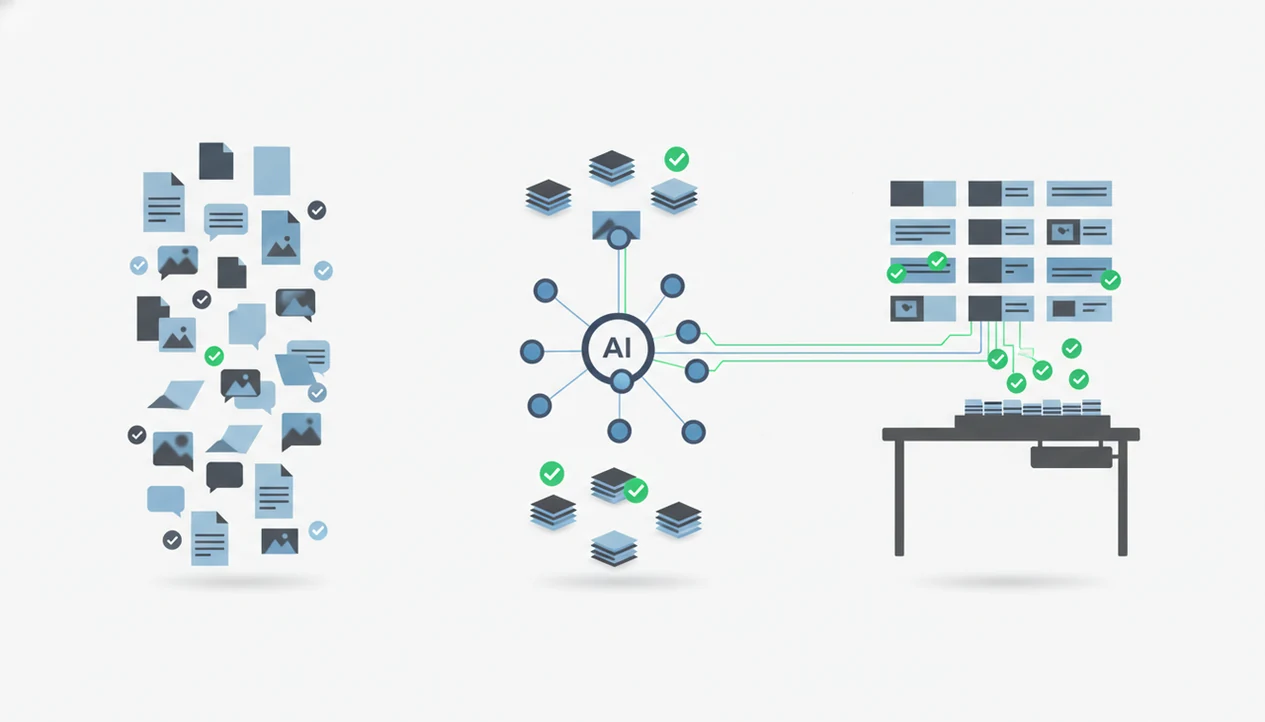
AI agent results after 90 days usually show up as faster repeat workflows, better reusable context, cleaner summaries, and clearer human review habits rather than full automation. The strongest gains tend to come from narrow, high-volume tasks such as document processing, routine writing, support triage, and data extraction.
> Definition: AIACI is an AI agent app that routes chat, writing, image, document, and detection tasks to specialized agents for mobile users and teams.
- A realistic 90-day AI agent outcome is measurable workflow improvement, not hands-off replacement of employees.
- Teams often see the fastest gains in structured document, writing, support, and summarization workflows.
- The biggest 90-day performance driver is orchestration: task routing, memory, integrations, permissions, and human review.
AI Agent Results After 90 Days: Realistic Productivity Benchmarks
A 90-day AI agent result means comparing repeated AI-assisted workflows against a baseline for time, quality, volume, and review effort. It is not a claim that the whole company became automated in three months.
Realistic gains usually appear in faster first drafts, cleaner document summaries, reusable context, and fewer repetitive handoffs. A team with meeting notes, a half-written brief, screenshots, and a support ticket can start routing each item to a better-fit workflow instead of forcing one chatbot to handle everything.
The evidence supports targeted optimism, but it is strongest at the task level. Salesforce’s State of Service research tracks rapid AI adoption and service-team benefit measurement (Salesforce); a 2023 Harvard/BCG field experiment found AI-assisted consultants completed 12.2% more tasks and worked 25.1% faster on in-scope tasks (HBS working paper PDF); and McKinsey’s 2023 AI survey found AI high performers were more likely to report revenue gains and cost decreases from AI (McKinsey). Treat vendor-reported 60–80% document-processing savings as case-study evidence unless AIACI can link the exact Sema4.ai source.
For most teams, the useful benchmark is task-level improvement, not blanket productivity transformation.
90 Days With AI Agents: Five Facts Teams Should Know
- Fact 1: Sixty to 90 days is usually enough to compare AI-assisted workflows against human-only baselines when the task repeats often.
- Fact 2: Narrow document-processing and data-entry deployments can report large time savings, but only use the 60–80% range when you can link the exact Sema4.ai source inline; otherwise describe the gain as a vendor case-study result, not a general benchmark.
- Fact 3: Low-complexity, high-volume work matures faster than complex judgment-heavy work because routing rules are easier to test.
- Fact 4: Orchestration quality often matters more than choosing a stronger model; intake, permissions, memory, and escalation rules shape the result.
- Fact 5: Data readiness, integrations, and change management determine whether adoption sticks after the early pilot buzz fades.
A clean pilot log matters. We’ve seen teams celebrate output volume, then discover the reviewer spent the same number of minutes fixing tone and citations. Not a win yet.
How AI Workflow Results Work Across Specialized Agents
AI workflow results improve when a system can intake a task, classify it, route it to a specialized agent, execute the work, send it for review, then store useful context for reuse. In plain language, the workflow gets better because the system stops treating every request like the same blank chat box.
An agent network differs from a single generic chatbot because routing is part of the design. A writing draft, image prompt, PDF summary, detection check, and support reply need different instructions, tools, and review steps. The broader mechanics are covered in our AI agent network guide.
Tools like AIACI fit this pattern by routing chat, writing, image, document, and detection tasks to appropriate agents. Good AI agent platforms deliver repeatable task routing and reviewable outputs, not invisible business transformation without oversight.
Feedback loops, memory, and human review make the 90-day window useful. The reviewer still reads the flagged sentence when a detector score appears. That step is where quality control lives.
How To Track AI Agent Adoption Results For 90 Days
Track AI agent adoption results by measuring repeated workflows, not scattered experiments. The goal is to compare before-and-after performance on the same work, with the same review standard.
- Set a baseline for time spent, error rate, output volume, review effort, and user satisfaction before the rollout.
- Log repeated workflows such as assisted drafting, document analysis, image generation, detection review, and chat triage.
- Separate task types so a fast writing workflow does not hide a weak document-analysis workflow.
- Review weekly trends for cycle time, correction patterns, skipped steps, and user drop-off.
- Reset routing rules when prompts, permissions, integrations, or escalation paths create repeated friction.
- Compare against the baseline at day 30, day 60, and day 90 using the same scoring method.
Example: if 40 support tickets took 6.5 reviewer hours before rollout, track the same ticket type for the same reviewer group at days 30, 60, and 90 before claiming a time-saving percentage. Keep the reviewer standard unchanged so faster output does not hide extra correction work.
For mobile teams, include on-the-go approvals in the measurement. A user staring at five nearly identical chat app icons on an iPhone home screen is already paying a switching cost.
AI Agent Results After 30, 60, And 90 Days
AI agent results usually move from setup friction to repeatable gains, then to more defensible KPIs. The curve is uneven, so compare stages instead of treating day 90 as a single verdict.
| Time period | What usually changes | What to measure |
|---|---|---|
| Days 1–30 | Onboarding, workflow selection, prompt cleanup, early friction | Baseline time, rejected outputs, setup blockers |
| Days 31–60 | More consistent usage, first measurable benefits, clearer review patterns | Time saved, review minutes, task volume |
| Days 61–90 | Steady workflows, reusable context, better routing, cleaner KPIs | Error trends, adoption rate, escalation quality |
Days 1–30: Baseline And Workflow Selection
The first month is mostly sorting. Teams decide which workflows deserve automation and which ones need too much judgment.
Days 31–60: Repeat Usage And Review Habits
By day 60, usage patterns become visible. Salesforce reported material benefits within 60 days for many service teams, but not every team will see that pace.
Days 61–90: Stable Metrics And Routing Improvements
By day 90, the stronger signal is repeatability. For small teams, a best AI agent platform for small teams comparison should focus on routing fit, not just model access.
AI Workflow Results By Task Type In An Agent Network
AI workflow results vary by task type because routine, high-volume, low-judgment work is easier to route and review. Sensitive, ambiguous, or strategic work needs tighter supervision.
| Task type | Likely 90-day improvement | Review requirement |
|---|---|---|
| Chat triage | Faster categorization and routing | Check escalations and customer tone |
| Writing drafts | Quicker outlines, rewrites, and variants | Verify claims, voice, and approvals |
| Image generation | More concept options per brief | Review brand fit and rights issues |
| Document analysis | Cleaner summaries and extraction | Check source pages and missing context |
| Detection workflows | Faster flagging and quality checks | Read flagged passages manually |
A practical agent network routes each task to the right workflow instead of making users rebuild the prompt from scratch. Apps such as AIACI, ChatGPT, Claude, Poe, and Perplexity can all support parts of this work, but workflow fit depends on routing, storage, and review habits.
Mobile-first approval can accelerate adoption. Airport gate phone brightness glare is not ideal, but approving a summarized ticket there may still beat waiting until Monday.
AI Agent Adoption Results: Three 90-Day Workflow Vignettes
These vignettes are illustrative composites, not AIACI customer case studies. Use them to map measurement patterns, not as proof of average ROI.
Maya: Campaign Drafts And Image Variations
Maya, a marketing lead, used writing and image agents for campaign drafts, ad variants, and visual mood directions. After 90 days, her team moved faster from brief to first review. She still checked product claims, brand tone, and image usage. The mood board scattered across her desktop did not disappear; it became easier to turn into testable options.
Jordan: Document Summaries And Form Processing
Jordan, an operations manager, routed forms and policy PDFs into document agents for summaries and field extraction. The biggest gain was fewer manual copy-paste steps. He still verified totals after dragging a PDF into a document agent and waiting for the page count to finish loading. Printer-warm pages stacked by the keyboard remained part of the source check.
Priya: Support Triage And Detection Review
Priya, a service lead, used chat and detection agents for ticket triage, draft replies, and quality review. Her team had better logs after 90 days, but agents did not replace escalation judgment. For more examples, compare realistic AI agent workflow success stories with your own baseline.
What 90-Day AI Agent Results Do Not Prove
A successful 90-day result does not prove permanent ROI. It proves that a defined workflow improved during a measured period, under the current data, tools, users, and review rules.
Short-term time savings do not guarantee the same gains in complex cross-functional work. A support triage flow may improve quickly, but a legal, procurement, or strategic planning workflow can break if context is missing. High output volume also does not prove accuracy, compliance, or customer trust.
Early enthusiasm can inflate usage numbers. People try the new tool because it is new, then habits settle.
Ongoing monitoring matters after day 90. Teams should check for drift, update guardrails, review permissions, and audit workflow samples. The source check is not optional when annual report figures are circled in blue and the summary needs to match the page.
Limitations
AI agent results after 90 days are useful, but they have clear limits.
- Reported 60–80% time savings usually apply to narrow, structured workflows such as document processing or data entry.
- Vendor case studies can include selection bias and may overstate average results for ordinary teams.
- Messy data, weak integrations, and unclear permissions can delay useful results beyond 90 days.
- Human review is still necessary for high-risk, creative, legal, financial, medical, or strategic decisions.
- A 90-day window may miss long-term issues such as drift, quality decay, governance gaps, and user workarounds.
- Mobile access can improve adoption, but it does not fix broken workflow design.
- Whole-business productivity gains are harder to prove than task-level improvements.
- More output can create more review work if the team has no quality threshold.
For mobile-heavy roles, the AI agent app for mobile professionals question is less “can it chat?” and more “can it preserve the handoff without losing review context?”
FAQ
Are AI agents useful after 90 days?
AI agents can be useful after 90 days when they fit repeated workflows, have clear review habits, and show measurable task-level gains. Usefulness is weaker when teams only run one-off experiments.
What improves first with AI agents?
Routine writing, summarization, support triage, document processing, and data extraction often improve first. These tasks have repeatable patterns and clearer review criteria.
Can AI agents replace employees?
AI agents usually automate task slices rather than whole roles. Judgment-heavy work still needs human review, escalation, and accountability.
How do you measure AI results?
Measure time saved, error rate, output volume, review time, user adoption, and satisfaction. Compare AI-assisted workflows against a human-only baseline.
Why do AI agent pilots fail?
AI agent pilots often fail because of poor data, weak integrations, unclear KPIs, bad routing, or change resistance. Overbroad pilots also make results hard to interpret.
Is 90 days enough time?
Ninety days is enough for baseline comparison in repeated workflows. It is not enough to prove long-term enterprise ROI without continued monitoring.
Do AI agents need supervision?
AI agents need supervision for sensitive, ambiguous, high-risk, or customer-facing work. Ongoing monitoring helps catch drift, errors, and workflow misuse.