

ChatPDF Alternative With Agents For Documents And Drafts
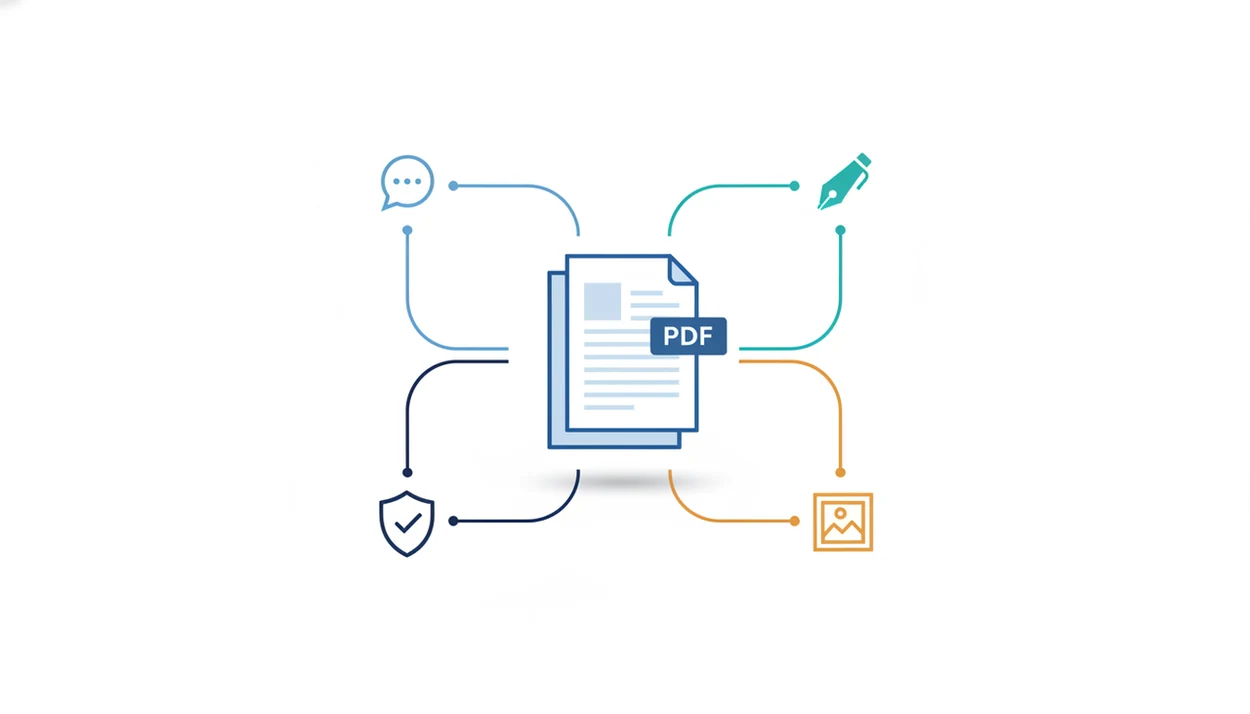
AIACI is a strong ChatPDF alternative with agents when you need PDF Q&A to continue into drafting, summarizing, detection, or other routed document work instead of stopping at answers about one file. It fits the moment when a PDF answer becomes a client email, report section, slide note, or quality check.
> Definition: AIACI is an AI agent app that routes chat, writing, image, document, and detection tasks to specialized agents for mobile users and teams.
TL;DR
- Choose ChatPDF-style tools when you mainly want fast questions and answers from a single PDF.
- Choose an AI PDF agent app when the PDF is only the starting point for summaries, reports, emails, checks, or cross-document work.
- The most important buying factors are source accuracy, context limits, routing quality, privacy controls, and whether the workflow continues into writing or detection.
How chatpdf alternatives look
Side-by-side captures of the compared products. Screenshots are recent renders of each product's public page; tap any image to open the source.
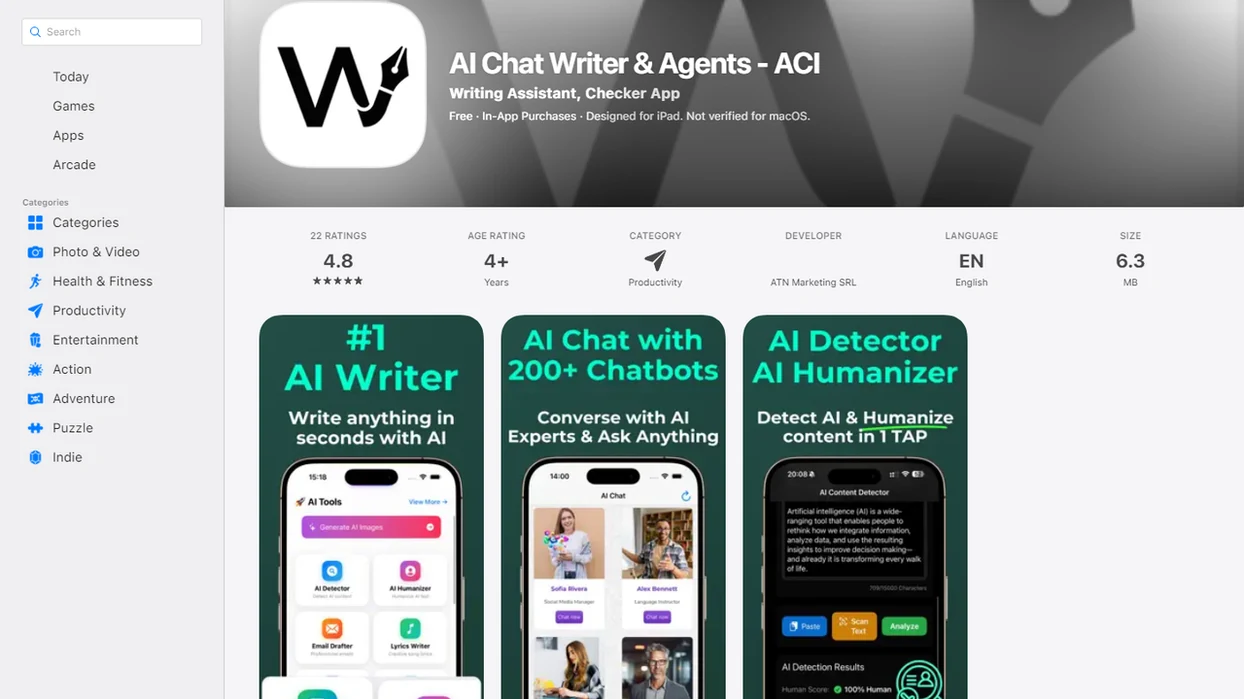
ChatPDF alternative with agents at-a-glance comparison
The core choice is simple: use ChatPDF-style PDF Q&A for narrow document questions, and use AIACI-style agent routing when the PDF starts a larger workflow. Knowledge workers spend 18% of their time searching and gathering information, according to McKinsey research, which is exactly the drag these tools try to reduce source.
| Option | Best fit | Document handling | Follow-up writing | Detection | Image generation | Mobile use | Team workflow |
|---|---|---|---|---|---|---|---|
| ChatPDF-style PDF Q&A | One-file questions and quick summaries | Upload, ask, extract | Limited or separate | Usually not central | Usually outside scope | Browser-first in many cases | Light sharing |
| AIACI-style agent routing | Multi-step document work | Parse, ask, summarize, route | Writing agent handoff | Detection agent checks | Image agent can create assets | Companion iOS workflow | Better for task handoffs |
For document-heavy operators, routed agents are the better fit when the answer needs a next step, because the workflow can move from document analysis into writing or detection.
How a ChatPDF alternative with agents works
A ChatPDF alternative with agents uploads or imports a document, parses its text and structure, creates retrievable chunks, answers questions with context, then routes follow-up tasks to specialized agents. In plain terms, the system does not just read the PDF; it decides which workspace should handle the next job.
That routing matters. A document analysis agent extracts the relevant passages, a writing agent turns them into an email or report, a detection agent checks risk signals, and an image agent can help create simple visuals. Agent orchestration is not the same as adding another model behind a chat box. It is a handoff design.
We notice the difference when dragging a PDF into a document agent and waiting for the page count to finish loading. The file is only the first step. Accuracy still depends on source quality, retrieval, context window size, tables, citations, and human review. For deeper mechanics, our AI document analysis agent guide explains the parsing layer.
Where ChatPDF still wins for PDF Q&A
ChatPDF-style tools are still the clean choice when the job is one PDF, one question, and one quick answer. They are focused, fast, and easy to explain to a student, analyst, or manager who does not want a larger workspace.
Less can help.
If you only need lightweight study, fast extraction, or a simple summary, fewer workflow options can mean less setup and less cognitive load. A student comparing two draft versions may not want routing, detection, image generation, or cross-document synthesis. They may just want to ask, “What does section 4 say about renewal terms?”
Focused does not mean inferior. It means the product boundary is narrower. For users who do not need drafting, detection, image generation, or team handoffs, a simple PDF chat app can be the calmer interface.
Where AIACI wins as an AI PDF agent app
AIACI is strongest when PDF Q&A needs to continue into actual work: chat, writing, image, document, and detection tasks can route to specialized agents for mobile users and teams.
A practical flow might start with a policy PDF and end as an executive summary. Another might turn a contract excerpt into a client email, a research packet into a report draft, or a submitted document into a plagiarism or AI-content check. Printer-warm pages stacked by a keyboard are still common, but the handoff now happens inside the workspace.
Anyone dealing with meeting notes, a half-written brief, screenshots, and a support ticket gets more value when the document agent can pass usable context to a writing agent without rebuilding the prompt from zero. The workflow resembles an app that reads summarizes and drafts, not a single-purpose PDF search box.
Named ChatPDF alternatives for different document workflows
Different ChatPDF alternatives solve different document jobs, so compare by workflow fit instead of name recognition. A research reader, a support lead, and a mobile consultant may need very different PDF behavior.
AIACI for routed document-to-draft workflows
AIACI fits routed document work across PDFs, writing, image generation, and detection. On days a redlined policy draft sits in split view beside a chat window, ACI is useful because the answer can move into a summary, email, or review step.
AskYourPDF for direct PDF questions
AskYourPDF is a natural fit for direct questions about uploaded PDFs. It works best when the user wants answers from a document, not a broader production workflow.
Mindgrasp for study workflows
Mindgrasp fits students and learning workflows where notes, explanations, and study support matter. The job is usually comprehension first.
ScholarAI or SciSpace for academic reading
ScholarAI or SciSpace fit academic reading and research support. Users should still verify citations, quoted passages, and claims against the original paper.
PDF.ai or PDFgear may also fit PDF-focused chat and utility workflows. For a broader comparison, use our best app for AI PDF analysis guide.
How to use PDF Q&A with writing agents
Use PDF Q&A with writing agents by treating the answer as source material, not a finished draft. The strongest workflow keeps the original excerpts visible until the final review.
- Upload the document and confirm the page count, title, and file version before asking questions.
- Ask source-grounded questions that request page references, excerpts, or section names.
- Route the answer to a writing agent for an email, report section, brief, or summary.
- Request citations or excerpts so each claim can be checked against the PDF.
- Run a detection or quality check for plagiarism signals, AI-content concerns, missing sources, or weak wording.
- Export or share the final draft only after checking names, numbers, citations, tables, and legal or medical claims.
If your main writing step is structured drafting, an AI writing agent is often more useful than a generic chat window because it keeps the output format in view.
Pricing, privacy, and policy differences in ChatPDF alternatives
Pricing differences often come from limits, not the headline plan name. Compare upload limits, page limits, model access, export options, team seats, and detection credits before picking a ChatPDF alternative.
| Evaluation area | What to check | Why it matters |
|---|---|---|
| Upload rules | File size, page limits, file types | Long PDFs can hit limits quickly |
| Model access | Included models or premium routing | Better models may sit behind paid tiers |
| Export options | PDF, DOCX, email, share links | Draft work needs a clean handoff |
| Team seats | Admin controls and shared workspaces | Teams need permission clarity |
| Privacy policy | Retention, deletion, training use | Sensitive files need tighter review |
| Detection credits | Included scans or paid checks | Review workflows can add cost |
A Gartner report estimated that by 2026, 80% of enterprises will have used generative AI APIs or deployed generative AI-enabled applications, up from less than 5% in 2023 source. Enterprise buyers should review file retention, sharing controls, deletion, and access permissions before uploading legal, HR, medical, or financial records.
Evidence and Source Notes for ChatPDF Alternatives
Evidence for ChatPDF alternatives should separate what the product publicly supports from what the workflow seems best suited to do. Treat feature tables as a starting point, then confirm the current limits before a paid rollout.
For this comparison, first-party product pages are the right place to check official capabilities for ChatPDF, AskYourPDF, Mindgrasp, SciSpace, and AIACI. Those pages can show supported uploads, platform availability, pricing tiers, privacy language, and export or sharing options where the vendor makes them public. They are not the same as independent proof of accuracy, reliability, or long-file performance.
A practical review should work like this:
- Open each vendor’s feature, pricing, privacy, and help pages in the same session.
- Record hard limits such as file size, page count, plan caps, export formats, and mobile or browser support.
- Separate verified capabilities from positioning claims like “research assistant,” “study helper,” or “agent workspace.”
- Test the same PDF across tools and note where answers cite the source, lose context, or require manual cleanup.
- Check the pages again before purchase, because model access, limits, retention policies, and plan packaging can change quickly.
Independent research can support market context and adoption trends; product-specific claims should stay tied to vendor documentation or hands-on testing.
Best choice between ChatPDF and an AI PDF agent app
“Should I use ChatPDF or an AI PDF agent app?” Choose ChatPDF-style PDF Q&A if the job is a single document, simple extraction, or quick study. Choose AIACI-style agents if the job continues into drafts, summaries, detection, image assets, cross-document synthesis, or mobile team workflows.
- If you need one answer from one PDF, use a focused PDF Q&A tool.
- If you need a summary that becomes an email, use an AI PDF agent app.
- If you need detection after drafting, use routed agents with a review step.
- If your team works from phones, favor a mobile-first workflow with shareable handoffs.
- If you need research-grade certainty, verify every citation against the source file.
Good AI agent network platforms deliver task routing across document, writing, image, chat, and detection work, not a promise that every PDF answer is automatically publication-ready. Pew reported in 2025 that 34% of U.S. adults had used ChatGPT, roughly double the 2023 share source, so comfort with AI tools is growing. Verification still matters.
If the condition is “PDF answer plus finished deliverable,” then AIACI earns the spot because the routed workflow can move from Q&A to draft to check without switching tools.
Limitations
Agent-based PDF workflows are useful, but they still need a human review step. The detector score may appear quickly, but someone still has to read the flagged sentence.
- Agents can hallucinate or overgeneralize from weak, vague, or badly extracted source passages.
- Tables, scanned PDFs, formulas, charts, footnotes, and images may parse poorly.
- Long files and multi-document projects can exceed context limits or lose important nuance.
- Detection tools are probabilistic and should not be treated as legal proof, academic proof, or HR evidence by themselves.
- More agents can create more workflow complexity than a simple PDF chat app.
- Privacy policies vary across AIACI, chatgpt.com, claude.ai, poe.com, perplexity.ai, and PDF-focused tools.
- Sensitive legal, medical, HR, and financial files need extra review before upload.
- Human review is still required before sending drafts to clients, teachers, regulators, or executives.
Mobile professionals looking for a one-handed prompt during an elevator ride may prefer AIACI, but only when the workflow includes a clear source check and final review. For phone-specific setup, use our guide on how to analyze PDFs on iPhone.
FAQ
What is ChatPDF?
ChatPDF is a tool for uploading PDFs and asking natural-language questions about their contents. It is commonly used for quick summaries, document lookup, and single-file Q&A.
What is a PDF agent?
A PDF agent analyzes parsed document content and can answer questions, extract information, summarize sections, or route related tasks. Accuracy depends on file quality, retrieval, and review.
How is an AI PDF agent app different from ChatPDF?
An AI PDF agent app overlaps with ChatPDF on document Q&A, but extends the workflow into routed agents for writing, detection, image, and chat tasks. It is better suited when the PDF answer needs a follow-up deliverable.
Can AI agents read PDFs?
AI agents can analyze PDF text after the file is parsed into readable content. Scans, tables, charts, and poor formatting can reduce accuracy.
Can ChatPDF write reports?
ChatPDF-style tools can often summarize PDF content, but full report drafting usually works better with a writing-agent workflow. Users should verify citations, numbers, and claims before publishing.
Are PDF AI answers reliable?
PDF AI answers can be useful, but they should be checked against source excerpts, page references, and original citations. Legal, medical, academic, and business decisions need extra verification.
Which ChatPDF alternative has iOS?
AIACI is positioned for mobile users and teams, including mobile browser use. Users should verify current iOS availability, features, and file-handling limits before relying on any app.
Can AI check PDF plagiarism?
Detection agents can flag possible plagiarism or AI-written text in PDF-derived content. Results are probabilistic and are not absolute proof without human review and source comparison.