

The State of AI on iPhone
AI on iPhone has evolved from Siri alone to a layered ecosystem. Apple Intelligence in iOS 18 and third-party apps provide drafting, identification, image generation, and conversation. All AI tools on iPhone can produce errors; do not replace professional advice for medical, legal, or financial decisions.
Apple provides the foundation: on-device processing, system-wide Writing Tools, Image Playground, Clean Up, Visual Intelligence, and improved Siri. Third-party apps like AIACI, ChatGPT, Gemini, Claude, Perplexity, and Grok provide depth: open-ended conversation, specialized tools, and capabilities beyond built-in features.
Built-In: Apple Intelligence and Siri
Apple Intelligence runs on iOS 18+ on supported devices (iPhone 15 Pro and all iPhone 16 models). Writing Tools: proofread, rewrite, summarize, adjust tone in any app. Image Playground: stylized images in Animation, Illustration, Sketch. Clean Up: remove objects from photos. Upgraded Siri: conversational context, on-screen awareness, personal context. Visual Intelligence on iPhone 16: point camera at objects for instant information. On-device processing via Neural Engine; Private Cloud Compute for heavier tasks.
Apple Intelligence excels at system-level tasks. It falls short for open-ended conversation, long-form generation, or complex document analysis. For those, use a dedicated AI app.
Third-Party AI Apps
AI Chat on AIACI provides chat, writing, image generation, AI detection, document analysis, and identification in the browser. ChatGPT offers Advanced Voice Mode and GPT-4o. Gemini connects to Google services. Claude offers 200K context and careful reasoning. Perplexity delivers cited research. Grok offers real-time X awareness.
One strong multi-purpose tool plus one specialist often suffices. AIACI covers the directory and free web tools; ChatGPT complements for voice; Perplexity for research.
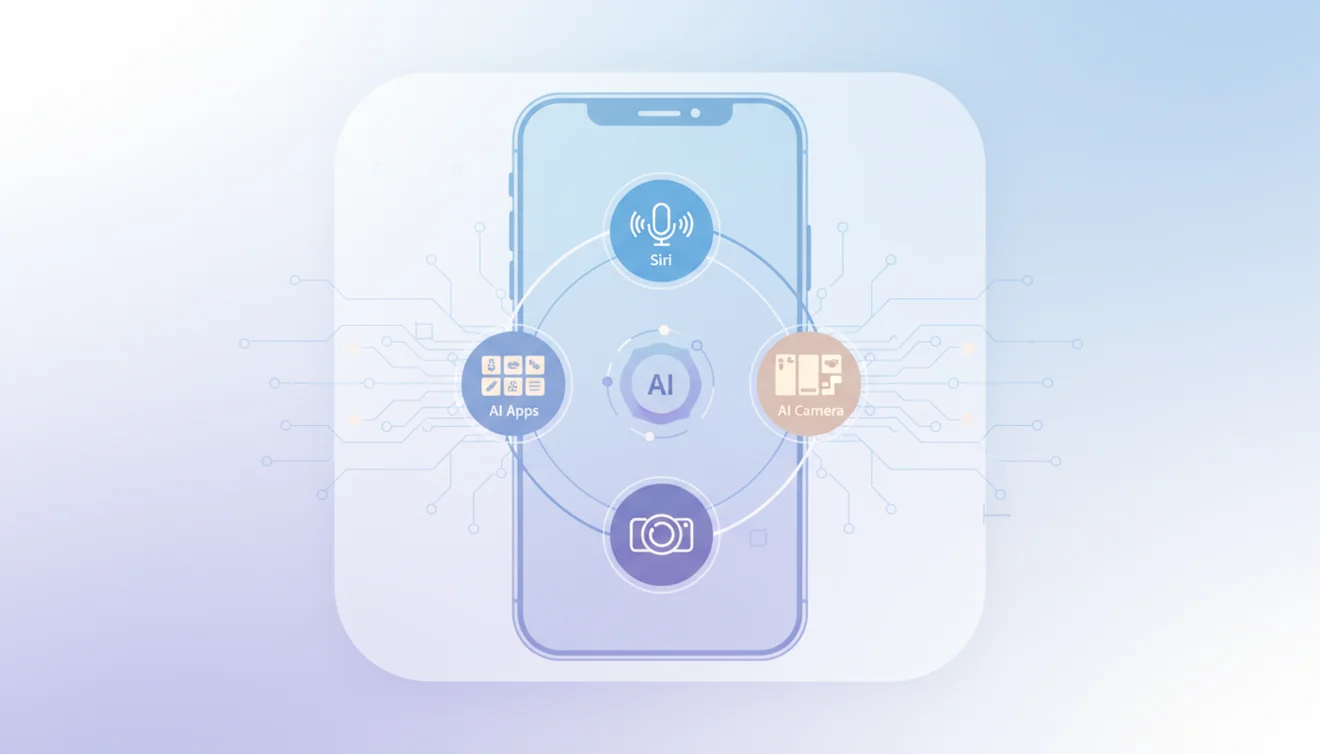
Other iPhone tools
Beyond AIACI, Lens provides AI-powered image identification: plants, insects, products, landmarks from the camera. Fly AI Email drafts contextual replies and manages routine email. Each app is built for iPhone: fast launch, iOS gestures, native feel.
Camera-Based AI
Apple Visual Intelligence on iPhone 16 identifies objects from the camera. The AI Identifier on AIACI analyzes uploaded photos for species, products, landmarks, text. Google Lens handles product search and text extraction. ChatGPT vision analyzes images conversationally.
Privacy and On-Device Processing
Apple Intelligence processes many tasks on-device; data never leaves your phone for basic Writing Tools, Image Playground, Clean Up, and many Siri interactions. Private Cloud Compute handles heavier tasks securely. Third-party apps send prompts to external servers. AIACI addresses privacy by not requiring accounts and not permanently storing conversations. Use Apple Intelligence for sensitive data; third-party apps for general tasks. Do not share passwords, financial details, or medical records with any AI app.
Get AI on Your iPhone
Open AIACI in Safari for the directory and the free web tools. Between Apple Intelligence and the apps listed here, your iPhone becomes a capable AI device.