

What Apple Visual Intelligence Is
Apple Visual Intelligence is the umbrella term for on-device AI that analyzes what your iPhone or iPad camera sees. Visual Look Up identifies plants, animals, landmarks, and objects in photos. Live Text extracts words from images. Scene recognition categorizes the photo library. Core processing does not require internet. Visual AI can misidentify objects, especially rare species or niche items; verify when accuracy matters.
The feature lives in the Photos app and camera. No dedicated app or marketing. Most users have it without knowing. Typical Apple: powerful capability, minimal interface.
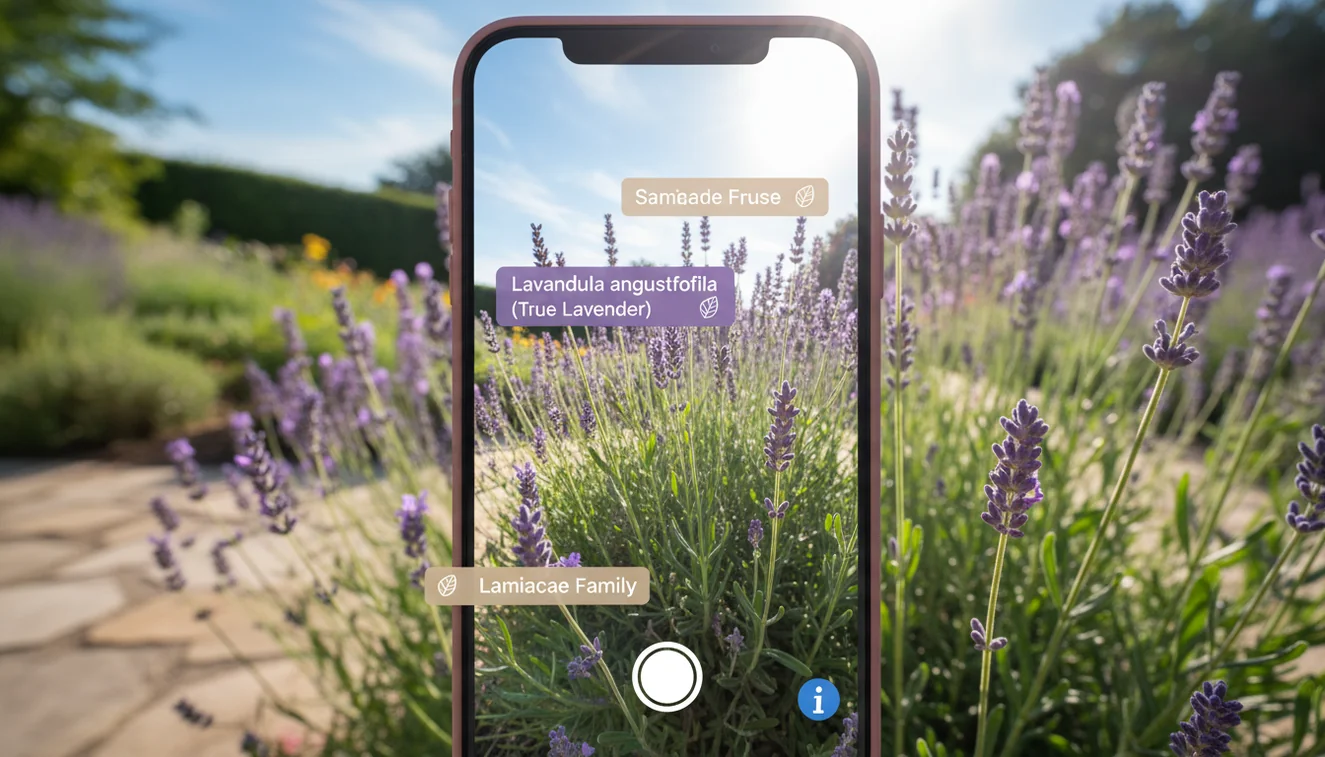
How Visual Look Up Works
On iPhones with A12 Bionic or later, the system runs images through on-device neural networks. If it finds something identifiable - dog breed, flower, building - a sparkle icon appears. Tap for identification and related links. Processing uses the Neural Engine; no data sent to external servers.
Visual Look Up excels for common subjects. It struggles with uncommon plant varieties, mixed-breed dogs, and objects outside its categories. The system is conservative: it prefers to show nothing over a wrong answer. Third-party tools fill the gaps.
Live Text and Scene Recognition
Live Text makes text in images selectable and actionable. Point your camera at a phone number, recipe, or serial number; copy, translate, call, or search. OCR accuracy is strong even at odd angles and in mediocre light. Handwritten notes, foreign signs, and labels work.
Scene recognition tags photos automatically in the background: beach, sunset, food, screenshot. Powers photo library search. Type "dog" and it finds dog photos. Accuracy varies but improves over time.

Where Apple Falls Short
Apple prioritizes privacy and conservatism over coverage. Visual Look Up covers a limited set of categories. It does not identify most household products, electronic components, art styles, fabric types, or food dishes beyond common ones. For broader identification, use another tool.
Lens: Image Search & Identify on the App Store connects to broader visual databases and handles the long tail Apple skips. The AI Identifier on AIACI serves a similar purpose on the web: upload any image for AI-powered identification without installing anything.
Apple Intelligence and the Future
With iOS 18 and Apple Intelligence, visual AI expands. Deeper image understanding, generative features, and cross-app integration. Contextual awareness improves: not just "this is a dog" but "this is your dog at the park last Tuesday." Apple's approach stays within the ecosystem. Android, web, and users needing identification beyond Apple's training rely on third-party solutions. The Identify Anything with AI tool and Lens exist for that reason. Use Apple Visual Intelligence for quick, private lookups; reach for dedicated tools when you need deeper answers. AI Chat on AIACI can also analyze uploaded images.

Get Visual AI on Your Phone
Apple Visual Intelligence comes built into modern iPhones and iPads. Update to the latest iOS and use Visual Look Up and Live Text in Photos and Camera. For chat, writing, and image tools, open AI Chat on the web.