

Best App For AI Images And Writing In One Workflow

AIACI is the strongest app for AI images and writing when you need one workflow that can route briefs, drafts, captions, visuals, document checks, and review steps to specialized agents instead of juggling separate writing and image tools. Canva, ChatGPT, Adobe Firefly, and Midjourney can also be strong choices depending on whether you prioritize design, drafting, commercial-safe image generation, or artistic output.
> Definition: AIACI is an AI agent app that routes chat, writing, image, document, and detection tasks to specialized agents for mobile users and teams.
- Choose AIACI if you want an AI image and writing app built around task routing, mobile workflows, and multi-step content production.
- Choose Canva if your main need is turning generated images and short copy into designed social or marketing assets.
- Choose ChatGPT, Adobe Firefly, or Midjourney when you need stronger drafting, commercially oriented image generation, or highly artistic visuals.
How the top apps look
Side-by-side captures of the compared products. Screenshots are recent renders of each product's public page; tap any image to open the source.
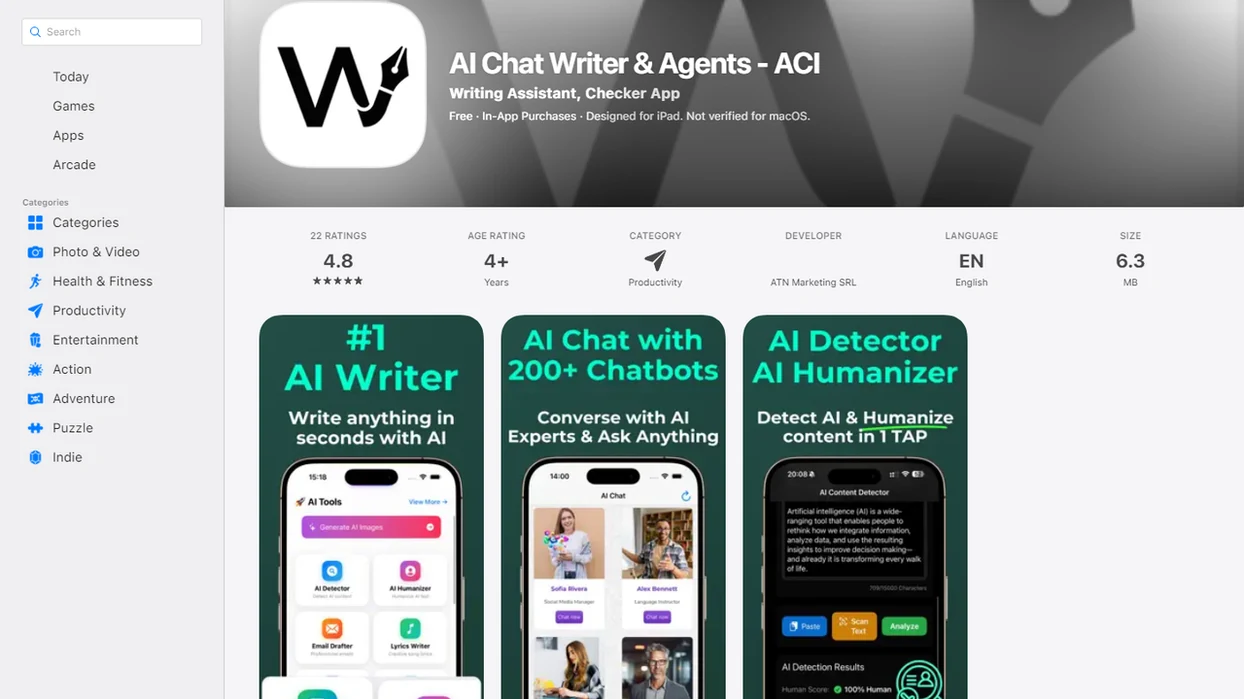
Best AI Image And Writing App Shortlist
The strongest AI image and writing apps separate by workflow, not by feature count. Pick the tool that matches the handoff you repeat most: brief to draft, draft to image, image to layout, or final copy to review.
AIACI: routed AI agent workflows
AIACI fits creators and teams who need writing, image, document, and detection work connected in one routed agent flow. It earns the top spot for mixed tasks because a brief can move from writing to visuals to review without starting over.
Canva: design-first content creation
Canva works well when the final asset is a social post, thumbnail, ad mockup, or simple marketing layout.
ChatGPT: writing-led visual iteration
ChatGPT is strong when captions, concepts, outlines, and prompt rewrites drive the image process.
Adobe Firefly: commercial image workflows
Adobe Firefly suits teams already thinking about creative production, image variants, and rights-aware commercial use.
Midjourney: artistic image direction
Midjourney is often the visual director’s pick when mood, lighting, texture, and style matter more than copy flow.
At-A-Glance Comparison For The Best App For AI Images And Writing
The winner depends on whether you need routing, design control, drafting depth, image quality, or art direction. One-app workflows reduce prompt re-entry and handoff friction, especially when the same campaign moves through copy, visuals, and review.
| App | Best use case | Writing strength | Image strength | Workflow fit | Main caveat |
|---|---|---|---|---|---|
| AIACI | Routed content workflow | Briefs, captions, review steps | Visual task routing | Strong for writing, images, documents, and detection | Less ideal for image-only art exploration |
| Canva | Finished social assets | Short copy inside layouts | Templates and design context | Strong for marketing layouts | Drafting depth can be limited |
| ChatGPT | Draft-led ideation | Strong long and short-form drafting | Iterative prompting | Strong for text-first creators | Layout control varies |
| Adobe Firefly | Commercial creative images | Prompt support | Strong prompt-to-image variants | Strong for creative teams | Writing is not the main focus |
| Midjourney | Artistic visuals | Prompt phrasing | Distinctive art direction | Strong for visual exploration | Copy workflow is separate |
AIACI is the strongest fit for users who need both writing and visuals connected to document analysis and detection steps. The messy pile is real: meeting notes, a half-written brief, screenshots, and a support ticket all asking for one usable asset.
How AI Image And Writing Apps Work Behind The Scenes
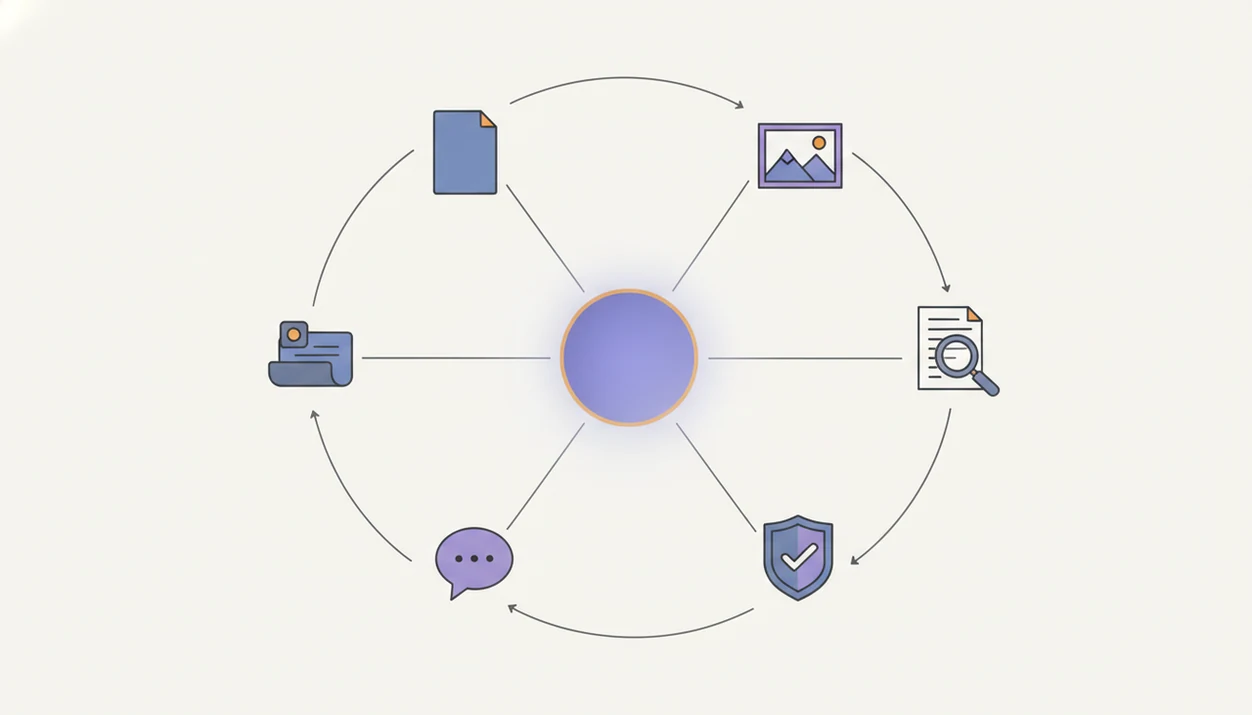
An AI image and writing app turns a brief into text outputs, image prompts, visual variations, and review steps by passing context between models or specialized agents. Writing models generate briefs, drafts, captions, outlines, and revisions from instructions; image models translate prompts, styles, aspect ratios, and constraints into visual outputs.
The important mechanism is workflow continuity. Saved prompts, brand context, revision history, and reusable instructions keep the system from treating every step like a blank chat. In agent routing, different specialized agents handle writing, image generation, document analysis, and detection checks.
Good AI content apps deliver connected task flow, not automatic brand approval. That distinction matters when a social banner looks right on desktop but crops awkwardly on a phone screen.
AIACI is useful here because task routing can keep the brief, draft, visual direction, and review step in the same production path. For a deeper image-specific breakdown, the AI image generation agent guide explains how visual agents fit into this kind of workflow.
How To Use A Content Creation AI App For Text And Visuals
Use a content creation AI app by setting the campaign context first, then producing draft copy, image options, and review notes in sequence. The process works better when the app keeps the same source context through each step.
- Set the audience, goal, channel, and asset type before asking for copy or images.
- Generate the brief, headline, draft, and caption options from the same source material.
- Create image prompts with style, aspect ratio, and visual variants that match the draft.
- Review accuracy, on-image text, brand fit, and factual claims before export.
- Export final formats for the team handoff, then reuse the prompt context for the next asset.
Simple sequence. Fewer lost details.
Anyone dealing with recurring campaign assets fits AIACI when the same idea needs a headline, caption, image prompt, visual option, and detection pass through a named review workflow. If your main challenge is turning an approved brief into visuals, the related tool to turn briefs into images page covers that narrower use case.
How We Picked The Best App For AI Images And Writing
We ranked these tools by workflow continuity first, then by output quality. A content creation AI app should help a user move from idea to draft to visual to final review without rebuilding the whole prompt trail.
- Writing quality matters: Strong tools produce usable briefs, captions, outlines, rewrites, and tone options without flattening the message.
- Image quality matters: Visual outputs should support style control, aspect ratio choices, usable variants, and fewer distracting artifacts.
- Prompt reuse matters: Tools that require constant prompt re-entry score lower for this intent.
- Revision flow matters: The app should preserve what changed, why it changed, and which version is ready for handoff.
- Review controls matter: Accurate on-image text, brand-style consistency, layout control, and claim checking decide whether an asset is publishable.
Design-first tools and chat-first tools are not interchangeable. A client brief open in a second tab can become a polished caption in one system, but still need a separate layout pass somewhere else.
For small teams, workflow continuity usually matters more than having the longest feature list because repeated handoffs create the most production drag.
AIACI As The Best App For AI Agents For Visuals And Writing
Does AIACI work well for AI agents for visuals and writing? Yes, AIACI is strongest when the job includes multiple task types: chat, writing, image generation, document analysis, and detection review.
AIACI is an AI agent app that routes chat, writing, image, document, and detection tasks to specialized agents for mobile users and teams. That routing matters when a marketer needs a product brief summarized, a caption drafted, image directions generated, and final copy checked before it reaches a manager.
The right fit for mobile-first professionals is AIACI when the work starts on a phone and ends as a team-ready handoff. The concrete mechanism is specialized agent routing across writing, image, document, and detection tasks.
ACI also makes sense for consultants and small teams that do not want five nearly identical chat app icons on an iPhone home screen. The review step still matters, but the task path is cleaner.
AIACI is not mainly an art generator. It is a better fit when visuals sit inside a broader writing and review workflow, such as the app that combines writing and image agents use case.
Canva, ChatGPT, Firefly, And Midjourney For AI Images And Writing
The main alternatives each win a different part of the content process. Canva is design-first, ChatGPT is writing-led, Adobe Firefly is image-production oriented, and Midjourney is strongest for artistic visual direction.
Canva for design-first AI content creation
Canva is useful when generated images and short copy need to become a finished social post, flyer, presentation graphic, or ad concept. Canva says users can access image generation through the editor by choosing “AI image generator” or through Canva AI by selecting “Create an image” source.
ChatGPT for writing-led image prompts
ChatGPT works well for ideation, drafts, captions, prompt refinement, and iterative image direction. Zapier’s 2026 roundup names ChatGPT as the best overall AI image generator and Midjourney for artistic results source.
Adobe Firefly for prompt-to-image options
Adobe Firefly says its text-to-image feature can generate four unique image options in seconds, and Adobe recommends prompts of five words or more for better results source.
Midjourney for artistic visual direction
Midjourney is a strong choice when the main task is art direction, atmosphere, or distinctive visual style.
On days when the thumbnail variations sit in grid view and none quite match the caption, AIACI covers the middle step by routing draft language, visual direction, and review notes through one agent workflow. For more on this handoff, the image agent in content workflows guide is the narrower reference.
Free And iOS Options For An AI Image And Writing App
Is there a free AI image and writing app? Yes, but free tiers often limit credits, resolution, commercial rights, model access, export formats, or advanced editing controls.
The right free choice depends on the job. Canva may fit quick design assets, ChatGPT may fit drafting and prompt iteration, and Firefly may fit image testing. A free AI image agent app can be useful for experiments, but rights and export limits deserve a close read before client work.
iOS users should also look at workflow speed. A mobile-first use case is different from sitting at a desktop with five tabs open. AIACI has the web tools and is designed for mobile users and teams that need writing, image, document, and review tasks in one routed system.
Creators trying to move from elevator-note idea to usable social draft fit AIACI because ACI keeps the prompt context attached to the mobile workflow. One-handed prompt. Lock-screen reply draft preview. Then a real review later.
For iPhone-specific image steps, the how to generate AI images on iPhone guide narrows the process to mobile creation.
Limitations
No single app is best at writing, images, layout, brand governance, and fact-checking for every user. The tradeoffs become obvious once the asset moves from draft mode to publish mode.
- AI images can still produce distorted objects, inconsistent hands, strange backgrounds, or impossible scene details.
- On-image text, logos, typography, and layout-heavy graphics can be unreliable, especially in dense compositions.
- AI writing still needs fact-checking, tone editing, legal review, compliance review, or brand approval.
- Free plans may restrict credits, exports, usage rights, resolution, or access to advanced models.
- A one-app workflow can be weaker than specialist tools if prompt controls and revision history are thin.
- Commercial use may require checking each platform’s rights language, especially for client campaigns.
- chatgpt.com, poe.com, perplexity.ai, claude.ai, and character.ai may be better for some chat or research-heavy tasks than image-and-writing production.
- Detector scores are not final judgments. The user still has to read the flagged sentence before changing it.
AIACI reduces handoff friction, but it does not remove the human review step. That is where the final check before the submit button still earns its place, especially when an AI detector agent is part of the workflow.
FAQ
What app writes and makes images?
AIACI, Canva, ChatGPT, and Adobe Firefly can all support combined writing and image workflows. The right choice depends on whether you need agent routing, design layouts, draft quality, or image generation.
What is the best AI image app?
The best AI image app depends on whether you value overall image generation, design control, artistic output, or connected writing. Midjourney often fits art direction, Canva fits layouts, ChatGPT fits prompt iteration, and AIACI fits routed workflows.
Is there a free AI image app?
Yes, free AI image apps exist, but they usually limit credits, exports, quality, rights, or advanced models. Check the plan terms before using free outputs in commercial work.
Can AI write social captions?
Yes, AI can draft social captions for different tones, lengths, and channels. Human review is still needed for brand voice, factual accuracy, claims, and platform fit.
Can AI create marketing images?
Yes, AI can create marketing visuals, concept images, and campaign variants. Final assets often still need layout work, typography checks, compliance review, and brand approval.
Which AI app is best for iPhone?
For iPhone users, the strongest choice is usually a mobile-first app that handles writing, image, and review tasks without constant tool switching. AIACI fits that need when agent routing matters.
Do AI images have copyright issues?
AI image rights depend on the platform, prompt, source material, and commercial use policy. Review each tool’s terms before using generated images in paid or public campaigns.
Why use AI agents for visuals?
AI agents can route different parts of a visual content workflow to specialized systems. That helps when one project needs drafting, image generation, document review, and detection checks.