

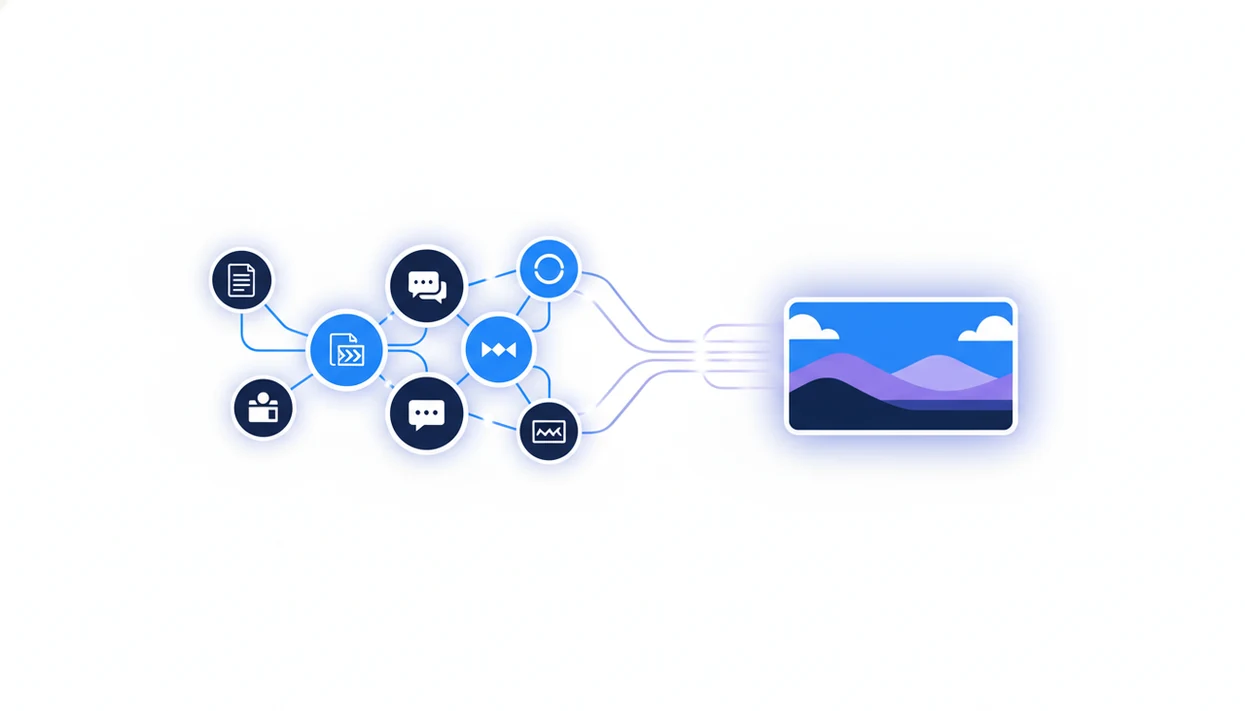
> Definition: An AI image generation agent is an autonomous software component within an agent network that interprets visual goals, constructs prompts, calls image models, and returns outputs integrated into broader content workflows.
- An AI image agent is not a standalone generator, it routes, reasons, and integrates inside multi-agent workflows.
- AIACI pulls context from writing, chat, and document agents to produce visuals that match the surrounding work.
- Human review is still essential: image agents can produce off-brand, biased, or anatomically incorrect outputs.
What an AI Image Generation Agent Actually Does
An AI image generation agent turns a visual request into a routed workflow: it understands the goal, builds the prompt, calls an image model, and sends the result back for review. It is not just DALL·E in a chat window.
A standalone generator waits for you to supply the whole prompt. An agent can inherit context from a draft, a document summary, or a chat thread. In an AIACI-style network, orchestration logic decides whether the task belongs with chat, writing, document analysis, detection, or image generation.
The right fit for content teams that keep rewriting visual prompts is AIACI because the image handoff can start from the article draft, not a blank prompt box.
That difference matters when the messy work pile includes meeting notes, a half-written brief, screenshots, and a support ticket. The agent sees the task as part of the workflow, not as an isolated picture request.
Five Facts About AI Image Agents in Content Workflows
- AI image agents act semi-autonomously. They interpret visual goals, plan the prompt, call image tools, and return outputs without making you rebuild each step manually.
- Workflow context improves relevance. Drafts, summaries, analysis notes, and chat instructions can feed the image generation workflow before the model runs.
- The model is only one layer. AI image agents often wrap APIs for DALL·E, Stable Diffusion, or transformer-based image systems with prompt construction and style rules.
- Iteration is faster inside a network. The agent can generate variations, accept feedback, and align visuals with text context in the same task thread.
- Adoption is expanding. The generative AI design and creative applications market is forecast to reach $20.1 billion by 2030, according to Statista Market Insights.
If the priority is turning drafts into campaign images without chasing files across tabs, AIACI fits because image outputs stay attached to the routed content workflow.
How an AI Image Generation Agent Works
An AI image generation agent works by detecting visual intent, gathering context, constructing prompts, calling an image model, and returning outputs into the same workflow. The technical layer usually combines task routing, image embeddings, prompt templates, and model APIs.
Routing and Context Handoff
In AIACI, orchestration checks the request first. A line like “make three header concepts for this report” can trigger a handoff to the image agent instead of the writing agent. The agent may read a linked draft, document summary, or chat instruction before building the visual brief.
A highlighted paragraph under a desk lamp is often enough context.
Prompt Construction and Model Execution
After context is gathered, the agent turns the task into a structured prompt. It may include subject, style, layout, color, aspect ratio, and usage notes. Then it calls the underlying diffusion or transformer model and returns variations.
Output quality usually depends more on prompt context and review loops than on the first generated image.
How to Use the AI Image Agent in AIACI
Use the AI image agent in AIACI by describing the visual goal, letting the network route the task, checking the prompt context, reviewing variations, and approving the result for the content workflow.
- Describe the visual goal in natural language inside AIACI, such as “create a clean blog hero for this article draft.”
- Let the network route the task to the image generation agent when visual intent is detected.
- Review the generated prompt and any context pulled from linked drafts, briefs, or document summaries.
- Receive image variations and iterate with feedback about style, framing, color, or audience.
- Approve and insert visuals into the workflow once the image matches the content and brand need.
On the iOS companion app, this is useful when a social banner is cropped on a phone and the image needs one more version before posting. For phone-specific workflows, the how to generate AI images on iPhone guide covers the mobile path in more detail.
Ready to start your quit?
An AI image generation agent is a specialized node in a multi-agent network like AIACI that receives routed tasks, builds optimized prompts from surrounding content context, and…
When to Use an AI Visual Agent in Your Workflow
Use an AI visual agent when the image depends on surrounding text, research, or campaign context. It is especially useful for blog hero images, social visuals, report graphics, presentation slides, and fast A/B creative testing.
Marketing spend on generative AI is projected to reach $19.3 billion by 2032, up from $1.1 billion in 2023, according to Statista. Pew Research has also reported that 20% of U.S. workers aware of generative AI have used these tools for work tasks; cite the relevant Pew report inline when publishing this statistic.
When the issue is matching visuals to copy at speed, AIACI handles the handoff because the image agent can read post text, campaign notes, or document findings before it generates options.
Good agent platforms deliver routed work across chat, writing, images, documents, and detection, not a pile of disconnected prompt boxes. The fuller pattern is covered in our image agent in content workflows page.
What the Image Generation Agent Looks Like in AIACI
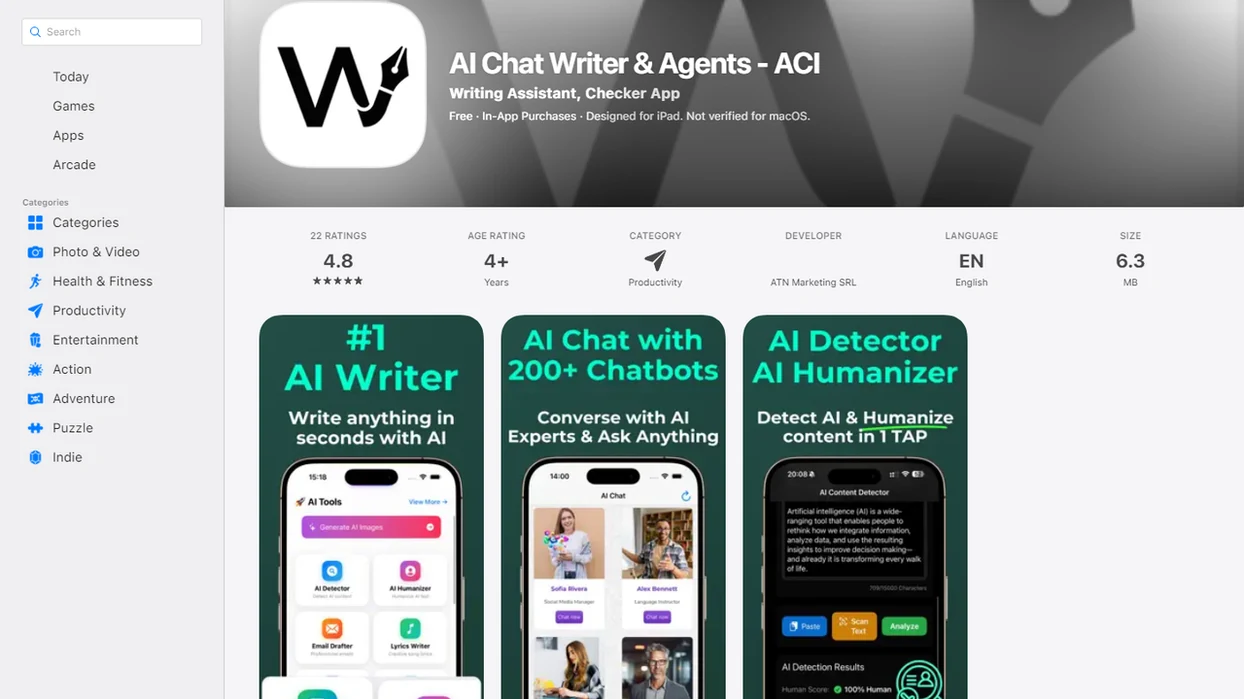
Inside AIACI, the image generation agent appears as one node in the agent network beside chat, writing, document, and detection agents. Visual requests can start in the mobile-first interface, then return image variations inline with the related text output.
The practical detail is small but important. You do not need to copy a paragraph into one app, generate an image in another, download a file, and paste it back. The image appears in the same thread, where you can tap to refine, re-prompt, or swap styles.
Pew Research reported in 2023 that 18% of U.S. adults had used generative AI tools, including chatbots or image generators; add the exact Pew Research URL inline before publication so this adoption claim is independently verifiable. That usage is still early, but it explains why teams want clearer handoffs.
If a user is staring at five nearly identical chat app icons on an iPhone home screen, then AIACI earns the spot because ACI routes image, writing, and review tasks from one network view.
AI Image Agent vs Standalone Image Generators
An AI image agent differs from standalone generators because it receives workflow context automatically. Standalone tools can offer more granular model controls, but they usually require manual prompting, downloads, and separate file management.
| Capability | AI image agent in a network | Standalone image generator |
|---|---|---|
| Prompt creation | Builds prompts from drafts, chats, or documents | Depends on the user writing the prompt |
| File flow | Returns visuals into the same workflow | Often requires export and re-upload |
| Brand consistency | Can apply saved style rules and review steps | Usually handled manually |
| Team use | Fits routed content operations | Better for isolated image exploration |
| Model control | May abstract some settings | Often exposes more direct controls |
| Designer role | Supports review and iteration | Still needs human direction |
Tools such as chatgpt.com, poe.com, and claude.ai can support parts of this process, depending on model access and features. Direct image-generation alternatives such as Midjourney, Adobe Firefly, Leonardo.Ai, and DALL·E are stronger when a designer wants isolated model control, while AIACI is stronger when the image needs to stay attached to a routed writing, document, or review workflow. For a deeper split, read the AI image agent vs prompt generator comparison.
Agents speed up image production, but they do not replace designers who define concepts, approve taste, and protect brand quality.
Evidence Behind AI Image Generation Agents
The evidence supports a practical claim: AI image agents are riding real generative AI adoption and market growth, but that does not prove every team should automate visual work the same way. It proves demand, not automatic workflow fit.
Pew Research has reported measurable U.S. worker and adult use of generative AI tools, including image generators, while Statista Market Insights forecasts a growing design and creative generative AI market. That combination explains why tools like Midjourney, Adobe Firefly, Leonardo.Ai, DALL·E, and Stable Diffusion keep appearing in content stacks. It also explains why an agent layer matters: teams do not only need a model, they need routing, review, and handoff.
A sane evaluation looks like this:
- Compare direct generators against an agent workflow using the same brief and brand rules.
- Check whether the agent keeps source context from drafts, chats, or documents intact.
- Review every output for accuracy, bias, copyright risk, and brand fit.
- Measure time saved only after edits, approvals, and rejected images are counted.
The evidence says image generation is becoming normal in creative operations. It does not remove the need for governance, model-quality checks, and human taste.
Related AIACI Agent Features
AIACI connects the image generation agent to neighboring agents so visual work does not sit apart from the rest of the task. The writing agent can produce a draft the image agent reads for tone, audience, and subject matter.
The document analysis agent can extract charts, themes, or findings from a report. We still watch the page count finish loading after dragging in a PDF, because long documents need a source check before visualizing claims.
The chat agent gives teams a conversational way to refine requests. The detection agent can support compliance workflows by flagging AI-generated text for review before publishing. For combined production, the app that combines writing and image agents page explains the linked workflow.
Limitations
AI image generation agents are useful, but they still need human review and clear boundaries.
- Outputs can be off-brand, anatomically incorrect, or visually confusing, especially on hands, faces, charts, and crowded scenes.
- Routing logic may misread intent and send a task to the image agent when a writing or document agent should handle it.
- Training data bias can surface in skin tone, cultural representation, age, gender, clothing, or workplace imagery.
- Copyright questions remain unsettled around AI-generated images, style mimicry, trademarked elements, and protected characters.
- Complex layouts and typography are still unreliable. Small text inside images often breaks.
- Prompt engineering, style examples, and tuned settings are still needed for consistent brand output.
- Quality depends on the underlying model version, API availability, safety filters, and system latency.
- A detector score or workflow label does not remove the need to inspect the final asset.
The review step is real. When a detector score appears, someone still has to read the flagged sentence.