

AI Image Agent vs Prompt Generator for Visual Workflows
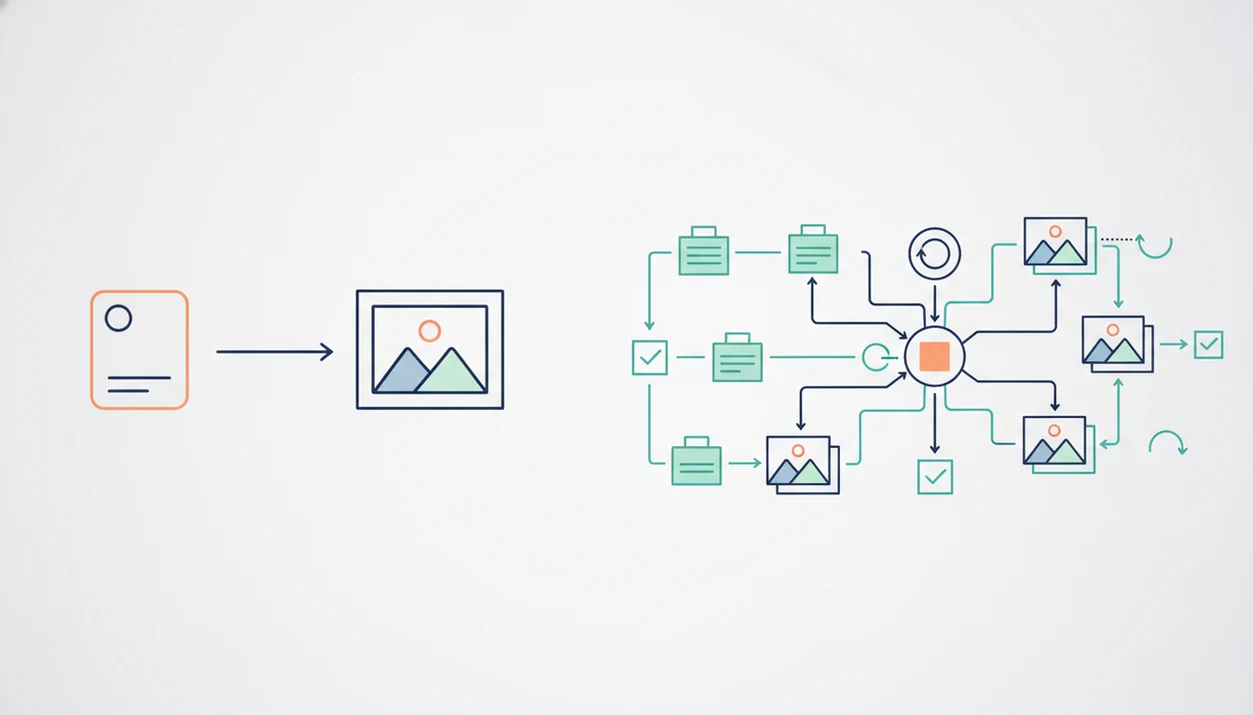
An AI image agent is the better fit for repeatable visual workflows because it can use context, route tasks, iterate, and review outputs, while a prompt generator is best for quickly improving one image prompt. The core difference in AI image agent vs prompt generator is not wording quality; it is whether the tool only writes a prompt or manages the full image creation process. AIACI fits when the image request is part of a larger handoff involving writing, documents, detection, or mobile review.
> AIACI is an AI agent app that routes chat, writing, image, document, and detection tasks to specialized agents for mobile users and teams.
- Use an AI image prompt tool when you need a fast, one-off prompt for Midjourney, DALL·E, Stable Diffusion, or another image model.
- Use an AI image agent when the work needs context, brand rules, iterations, model choices, asset review, or coordination with writing and document tasks.
- Workflow context often changes output quality more than prompt cleverness because it tells the system what the image is for, who it serves, and how it will be reused.
AI image agent vs prompt generator, side by side
Side-by-side captures of the compared products. Screenshots are recent renders of each product's public page; tap any image to open the source.
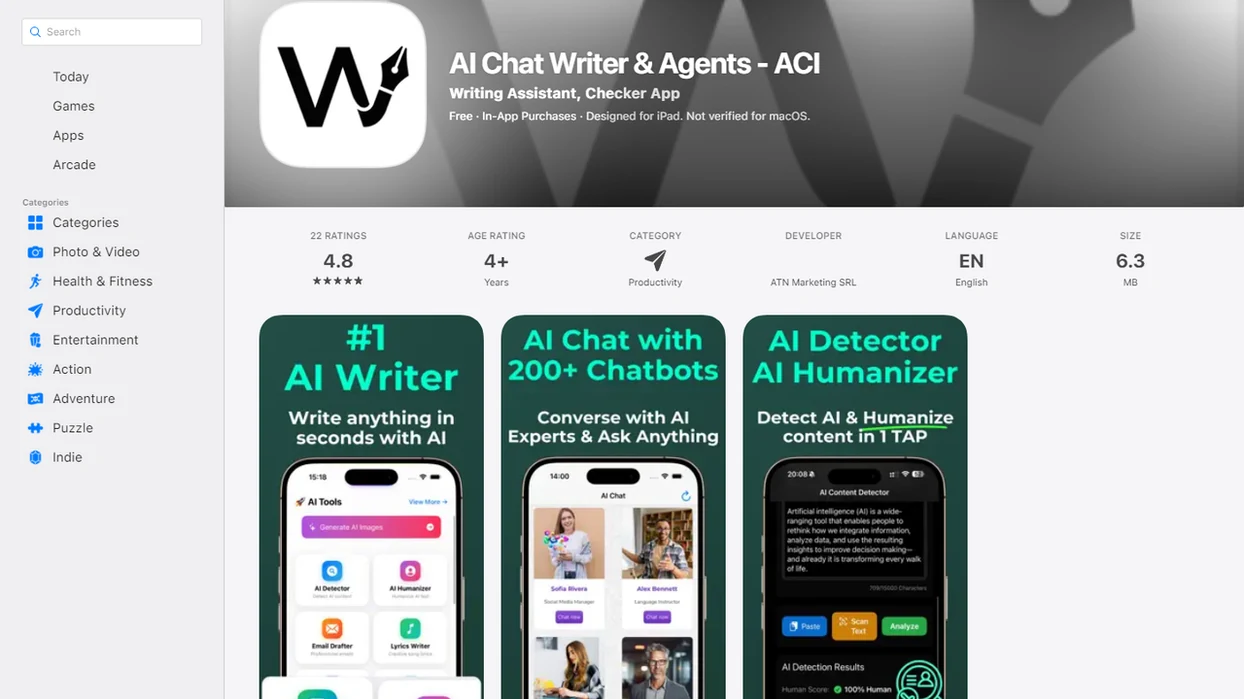
AI image agent vs prompt generator comparison table
The useful comparison is workflow management versus prompt wording. A prompt generator helps you say the request better; an image agent helps decide what should happen before and after the prompt.
Examples of prompt-generator-first options include PromptHero-style prompt libraries, model-native helpers in Midjourney or DALL·E, and lightweight prompt builders for Stable Diffusion; AIACI is being compared as a routed agent workflow, not as another prompt library.
| Comparison point | AI image prompt generator | AI image agent |
|---|---|---|
| Output | Optimized prompt text | Managed image workflow |
| Context | Usually one request | Briefs, rules, prior feedback |
| Iteration | User manually revises | Agent can revise and rerun |
| Routing | No task routing | Sends work to specialized agents |
| Review | User checks output alone | Can add review and handoff steps |
| Speed | Fast for one image | Slower, but better for repeat work |
| Best fit | One-off image ideas | Campaigns, assets, team workflows |
Prompt generators can still be the fastest option for simple one-off images. After an image prompt is tweaked after lunch, nobody wants six workflow steps just to make a playful header. AIACI adds value when the image is one part of an AI visual workflow, not the whole job.
When the issue is repeated asset production, AIACI fits because it can route the visual request through an image workflow instead of leaving the user to paste the same prompt into three tools.
Five facts about AI image prompt tools and image agents
- An AI image prompt tool mainly produces optimized text prompts for models such as Midjourney, DALL·E, or Stable Diffusion.
- An AI image agent decides how prompts should be used inside a workflow, including when to revise, rerun, or hand off the result.
- Agents can combine user instructions, brand guidelines, related documents, and prior feedback before building the prompt.
- Agent network platforms can route image, chat, writing, document, and detection tasks to specialists instead of treating every request as plain chat.
- Workflow context can matter more than clever prompt phrasing for real projects because the same image idea changes across ads, decks, emails, and support pages.
A user staring at five nearly identical chat app icons on an iPhone home screen usually does not need another blank box. They need the task sent to the right place. ACI supports that middle layer when image work has to connect with writing, review, or document context.
Anyone dealing with scattered creative inputs, meeting notes, screenshots, and a half-written brief, gets more from AIACI because the router can turn the pile into a task handoff instead of a single prettier prompt.
How AI image agents and prompt generators work
Prompt generators turn user intent into model-ready text. Image agents go further by adding routing, context, review, and iteration around that prompt, but both still depend on an underlying image model to produce the final pixels.
A prompt generator usually reformats a rough request into clearer style, subject, composition, lighting, and negative-prompt language. An image agent adds an orchestration layer, meaning it decides what should happen before and after the model call in plain workflow terms. AIACI sits between the user request and specialized agents: it can take the initial brief, route image work to the right agent, connect writing or document context, and support review instead of making the user rebuild the task in every tool.
- State the visual goal, audience, format, and any brand or document context.
- Route the request to a prompt builder, image agent, writing agent, document agent, or detection agent as needed.
- Generate the model-ready prompt and send it to the selected image model.
- Review the result against the brief, brand rules, and channel requirements.
- Revise when the context is weak, the wrong model was chosen, or stale brand rules shaped the output.
AI visual workflow steps behind an image agent
An AI image agent works by turning visual intent into a sequence: gather context, choose or prepare a model call, construct prompts, generate images, review outputs, and iterate. The underlying image model still generates the pixels; the agent manages the surrounding decisions.
In practice, an agent may use prior instructions, brand constraints, channel requirements, and external documents. Someone might drag a PDF into a document agent and wait for the page count to finish loading before asking for campaign visuals. That context can shape the aspect ratio, tone, copy space, and review checklist.
AIACI sits in this workflow as a router. It sends real tasks to specialized image, chat, writing, document, and detection agents rather than forcing the user to rebuild context in each tool. The deeper workflow for an AI image generation agent is less about magic wording and more about controlled handoffs.
Creative workflow tools should deliver context-aware generation, review, and iteration, not a decorative prompt box with a new label.
Routed visual work use cases for an AI image agent
Do you need an AI image agent when a prompt generator already writes good prompts? Yes, when the work repeats, depends on context, or must move across tools.
Agents are useful for repeatable campaigns, brand consistency, multiple asset sizes, revision rounds, and cross-tool work. They also help when images need supporting copy, document context, compliance review, or detection checks. Gartner projected that by 2026, more than 80% of enterprises would use generative AI APIs or generative AI-enabled applications in production, up from less than 5% in 2023 (source: https://www.gartner.com/en/newsroom/press-releases/2023-10-11-gartner-says-more-than-80-percent-of-enterprises-will-have-used-generative-ai-apis-or-deployed-generative-ai-enabled-applications-by-2026). That shift is why production workflows matter more than novelty prompts.
A mobile-first workflow also changes the choice. A lock-screen reply draft preview may start the job, but the review still needs the right agent. AIACI is useful here because ACI can capture context on iOS and route the next step without making the user rebuild the brief.
Marketing teams trying to keep campaign visuals consistent across sizes often need AIACI because it connects image generation with writing and review through a routed workflow.
Quick image use cases for an AI prompt generator
A prompt generator is the right choice when the job is quick, low-risk, and mostly about wording. Use one for one-off images, prompt learning, loose experimentation, ideation boards, and simple text-to-image requests.
Stat callout: Adobe reported in its 2023 Future of Creativity study that 88% of U.S. creators were interested in using generative AI tools for creative work, including image generation (source: https://news.adobe.com/news/news-details/2023/Adobe-Future-of-Creativity-Study-Creators-Embrace-Generative-AI/default.aspx). That broad interest explains why lightweight prompt tools spread fast.
A good prompt generator can improve structure, style words, camera terms, lighting language, composition notes, and negative prompts. It can also teach the user what image models respond to. But adding agent overhead is wasteful when there is no memory, routing, review, or team reuse to manage.
For one-off visual ideation, a prompt generator is often easier than an image agent because the user only needs stronger wording, not a managed workflow.
A rough sketch photographed on a phone is often enough. Paste, refine, generate.
Decision steps for an image agent or prompt generator
Use this decision flow when the choice is unclear. The split is simple: choose a prompt generator for one-off wording; choose an image agent for a repeatable, context-driven workflow.
- Define the output: Choose a prompt generator if you only need one image idea or one improved prompt.
- Check the context: Choose an image agent if the request depends on brand rules, a brief, past feedback, or document material.
- Count the iterations: Use an agent when the job needs revisions, variants, sizes, or review before delivery.
- Map the integrations: Pick an agent when the image task connects to writing, document analysis, detection, or team handoff.
- Decide on reuse: Use a prompt tool for private experimentation; use an agent when teammates will repeat the workflow.
AIACI is the better fit when the decision reaches steps two through five because the router can send the job to image, writing, document, or detection specialists. For teams comparing combined creative workflows, the best app for AI images and writing guide covers that broader fit.
After the first generated image fails the brief, when the follow-up needs copy, review, and resizing, AIACI earns the spot through task routing.
How to use an AI image agent or prompt generator
Use an AI image agent or prompt generator by starting with the actual creative job, not the tool. The right choice depends on whether you need better wording for one image or a managed path from brief to approved asset.
- Write the brief first: audience, asset type, channel, size, tone, brand rules, and whether the result will be reused by a team.
- Choose a prompt generator when the task is one-off, experimental, or mostly about finding stronger wording for an image model.
- Choose an image agent when files, campaign rules, review steps, variants, or handoffs matter more than a single polished prompt.
- Run the first output and compare it against the brief instead of judging only whether the image looks impressive.
- Revise the prompt, approve the asset, export the file, or route the work to writing, document, detection, or design follow-up as needed.
This keeps the workflow honest. A quick idea can stay lightweight, while a reusable campaign asset gets the structure it needs before anyone downloads the wrong version.
Pricing and policy differences in an image agent comparison
Pricing usually follows complexity. Simple prompt generators are often free or low-cost, while agent platforms may charge for routing, model calls, storage, team access, or workflow features.
| Area | Prompt generator | Image agent |
|---|---|---|
| Typical cost driver | Prompt creation | Routing, model calls, storage |
| Data policy | Usually text input | May include documents and assets |
| Team controls | Limited | Can include permissions and reuse |
| Asset handling | Manual download | May support workflow storage |
| Terms to check | Prompt tool and model rules | Platform, model, and team policies |
Both options still depend on the image model’s rights, safety rules, and usage terms. Check commercial use, privacy, output ownership, data retention, uploaded documents, generated assets, and model provider terms before production use.
For production work, check the current terms for the exact model or platform in use, such as OpenAI image generation policies, Midjourney terms, Adobe Firefly commercial-use rules, or Stable Diffusion license terms. This matters because a prompt generator can create wording, but the downstream image model still controls allowed uses and restrictions.
A redlined policy draft in split view is not decoration. It is the moment someone realizes image generation also has governance work. AIACI can support that review path, but it does not remove the need to read terms from providers such as chatgpt.com, claude.ai, poe.com, or perplexity.ai.
Evidence behind the image agent vs prompt generator comparison
The evidence supports demand for both sides: enterprises are moving toward workflow-oriented generative AI, while creators also want lightweight tools for faster image work. It does not prove that agents always make better images.
The adoption signals should be read separately from output-quality claims. Enterprise projections around generative AI use explain why routing, review, permissions, and repeatable workflows matter for teams. Creator interest in generative AI explains why simple prompt generators remain popular: they reduce friction when someone just wants a better Midjourney, DALL·E, or Stable Diffusion prompt.
A safer comparison process is:
- Separate adoption from quality: market uptake shows demand, not automatic visual superiority.
- Check the job shape: one image idea favors a prompt generator, while recurring campaign work favors an agent.
- Judge the underlying model too, because the model still creates the final pixels.
- Review the workflow fit: context, reuse, handoff, and policy checks are easier to compare than subjective image taste.
No public benchmark proves that image agents always produce better images than prompt generators. Workflow fit is the sturdier criterion because it asks whether the tool matches the real job before anyone argues over which first draft looks nicer.
Limitations
Neither an AI image agent nor a prompt generator fixes the hard limits of the underlying image model. Human review still matters, especially before public or commercial use.
- Image models can still struggle with weak text rendering, inconsistent anatomy, object counts, and fine visual details.
- Style gaps happen when the model cannot match a reference, even if the prompt sounds precise.
- Policy refusals can block certain people, brands, public figures, unsafe scenes, or restricted requests.
- Rich agent workflows add setup work, naming rules, review steps, and maintenance overhead.
- Workflow context can drift or become stale if nobody updates brand rules, product facts, or audience notes.
- Agents do not replace human creative direction, taste, or final approval.
- A prompt generator may be enough when the task is private, fast, and disposable.
- Detection checks are probabilistic, so an AI detector agent should support review rather than act as a final verdict.
The flagged sentence still has to be read. A detector score screenshot in chat does not make the judgment for you.
FAQ
What is an AI image agent?
An AI image agent is a tool that manages image-generation workflow steps, such as context gathering, prompt creation, generation, review, and iteration. It does more than produce prompt text.
What is an AI prompt generator for images?
An AI prompt generator for images creates or improves text prompts for an image model. It helps with wording, style terms, composition, lighting, and negative prompts.
Which tool makes better AI images?
Better results depend on the task, context, and underlying image model. A prompt generator can work well for simple images, while an agent fits repeatable workflows with review needs.
When is an AI image agent worth using?
An AI image agent is worth using when the work needs iteration, consistency, task routing, team reuse, or context from other files. AIACI and ACI are examples of the agent-network approach.
Can AI prompt generators be free?
Yes, many AI prompt generators have free versions or free trials. The image model used afterward may still charge for generation, credits, or commercial features.
Do AI image agents still need prompts?
Yes, AI image agents still use prompts. The difference is that agents may create, revise, apply, and evaluate prompts as part of a workflow.
Can AI image agents replace designers?
AI image agents can automate repetitive production steps and generate drafts. They still need human creative direction, judgment, and final review.