AIACI - Agents Creating Intelligence

Chat to an AI — Your On-Ramp to Agent Workflows

Simple input, structured output. Start a conversation with an AI agent and build toward workflows that handle real tasks.

This is where it starts. Type a question or a task — I'll handle the structure.

The Starting Point for Agent Interaction

Chatting to an AI is the simplest form of agent interaction. You provide natural-language input. The agent interprets your intent, selects an execution path, and returns structured output. No configuration, no menus, no learning curve. If you can describe what you need in a sentence, the agent can begin working on it. This is the entry point for people who have not used AI agents before — and the foundation for those who will use them extensively.

The gap between "I've never used AI" and "I use AI agents to run parts of my workflow" is smaller than most people expect. It starts with a single message. The agent does the rest: parsing intent, organizing output, and delivering a result you can act on immediately. The output may contain errors or oversimplifications — this is inherent to all language-model-based systems — but the speed from question to usable answer is what makes the interaction valuable.

Chat to an AI agent on tablet — structured output from simple input

From Single Messages to Compound Tasks

Most people start by asking a question: "What is the difference between TCP and UDP?" or "Write a thank-you email to a client." These single-turn interactions are useful on their own. The real value emerges when you chain them. Ask the agent to draft something, then ask it to shorten the result, then ask it to adjust the tone for a different audience. Each message builds on the last within the session.

This is how agent-assisted workflows begin. You do not need to plan the workflow in advance. It develops organically through conversation. The agent tracks context across messages and adapts its output based on your iterative feedback. Over time, you learn which instructions produce the best results and your interaction becomes more efficient. The AI Chat Assistant extends this pattern with task-focused optimizations.

Who This Is For

Anyone encountering AI agents for the first time. Students exploring how AI can support their coursework. Professionals testing whether AI-generated drafts save time in their workflow. Small business owners who need marketing copy but do not have a content team. The common thread is low barrier to entry: no account creation, no payment, no prior experience required. You type, the agent responds.

Experienced users also benefit. Chatting to an AI agent serves as a rapid prototyping tool — test an idea, evaluate the output, iterate. The AI Writer and Text Generator handle specialized output formats, but for general-purpose exploration, this is where you start.
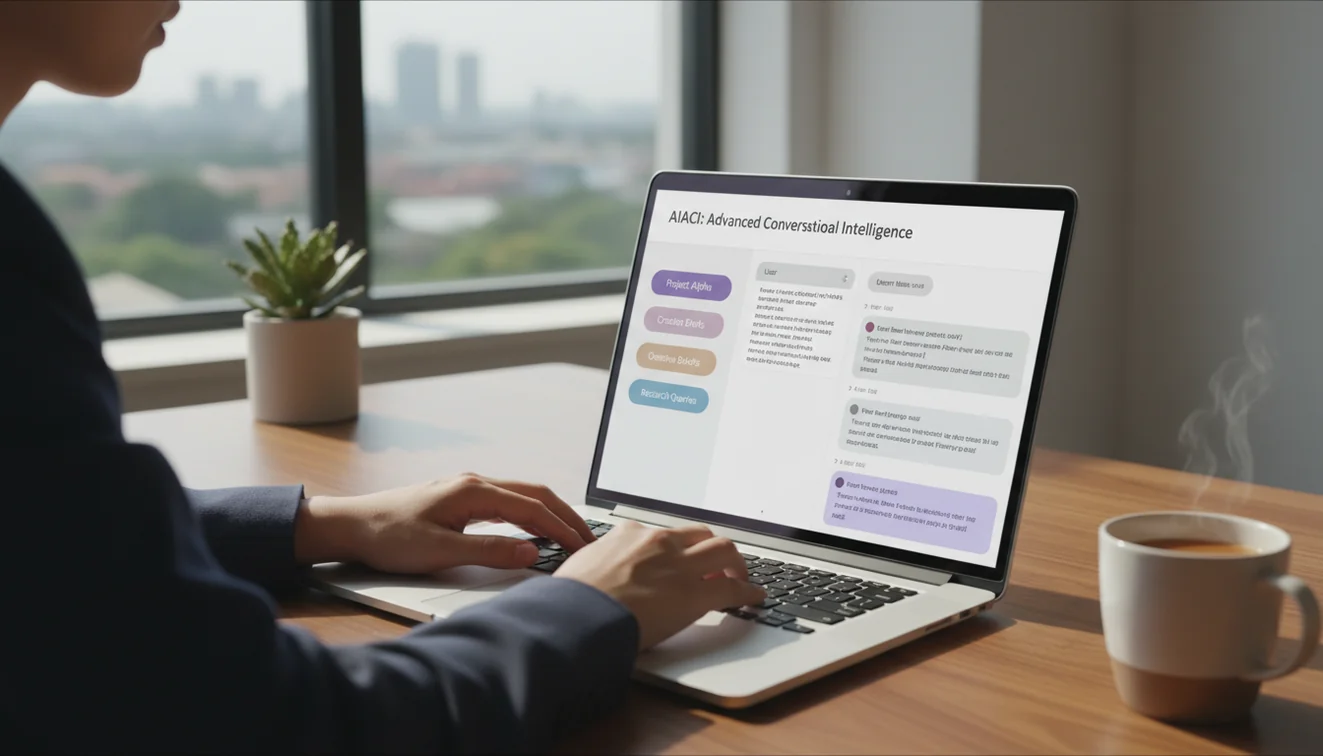
Free AI agent chat for beginners — no signup workflow entry point

Limitations of Conversational AI Agents

The agent generates text based on statistical patterns, not verified knowledge. It will produce incorrect facts, fabricate references, and state uncertain things with high confidence. This is a structural property of language models, not a fixable bug. On well-documented topics, accuracy is high. On niche, recent, or ambiguous subjects, reliability drops. Verify anything consequential.

Other constraints: no internet access, no real-time data, no memory between sessions, and biases inherited from training data. The agent cannot access your files, your email, or your internal systems. AIACI does not require accounts or retain conversation data, but exercise standard caution — do not submit passwords, financial credentials, or proprietary business information through any AI interface.

AI agent workspace for structured task execution and iterative feedback

Related Tools

Take the Agent With You

The AIACI iOS app provides unlimited agent interaction with offline session history and access to every tool on the platform. If chatting to an AI is becoming a regular part of how you work or learn, the app removes the daily message cap and keeps conversations accessible. Download the AIACI app to continue building your agent workflow from anywhere.

Frequently Asked Questions

What does chatting to an AI agent look like for a first-time user?

You type a question or instruction in plain language. The agent interprets your intent and returns a structured response. No commands, syntax, or technical setup — the interface works like a messaging app.

How is this different from a search engine or FAQ page?

Search engines return links. FAQ pages offer static answers. An AI agent processes your specific input, accounts for context, and generates a response tailored to what you asked. The output adapts to you.

Can chatting to an AI lead to more complex agent workflows?

Yes. Conversational interaction is the foundation for agent-assisted work. Start with simple questions, then progress to multi-step instructions like "summarize this, then rewrite it for a different audience." The agent handles compound tasks.

Do I need any AI experience to use this?

None. The interface accepts natural language — the same way you would text a colleague. The agent handles interpretation and execution. You do not need to learn prompt syntax or configuration settings.

What kind of tasks can I hand to the agent through chat?

Drafting content, explaining concepts, translating text, structuring outlines, comparing options, analyzing scenarios, and answering factual questions. The agent performs best on tasks that have clear text-based outputs.

How does the agent decide what format to use in its response?

It infers format from your prompt. If you ask for steps, you get a numbered list. If you ask for a paragraph, you get prose. Specifying "give me bullet points" or "write a formal email" overrides the default behavior.

What happens if the agent misunderstands my input?

Rephrase with more specificity. The agent uses conversation context, so a follow-up like "I meant X, not Y" will correct course within the same session. Ambiguous prompts produce ambiguous results.

Is the output from this agent safe to use in professional work?

The agent generates first-draft quality output suitable for review and editing. It may produce factual errors or miss nuances specific to your industry. All AI-generated output should be verified before use in high-stakes contexts.

Does the agent have access to the internet or live data?

No. The agent operates on a fixed training dataset with no real-time web access. It cannot retrieve current news, stock prices, live scores, or any information published after its training cutoff.

Can I use this on my phone without downloading anything?

Yes, the web interface works on all modern mobile browsers. For unlimited daily use and offline access, the <a href="/download-ai-chat-app">AIACI iOS app</a> is also available.