

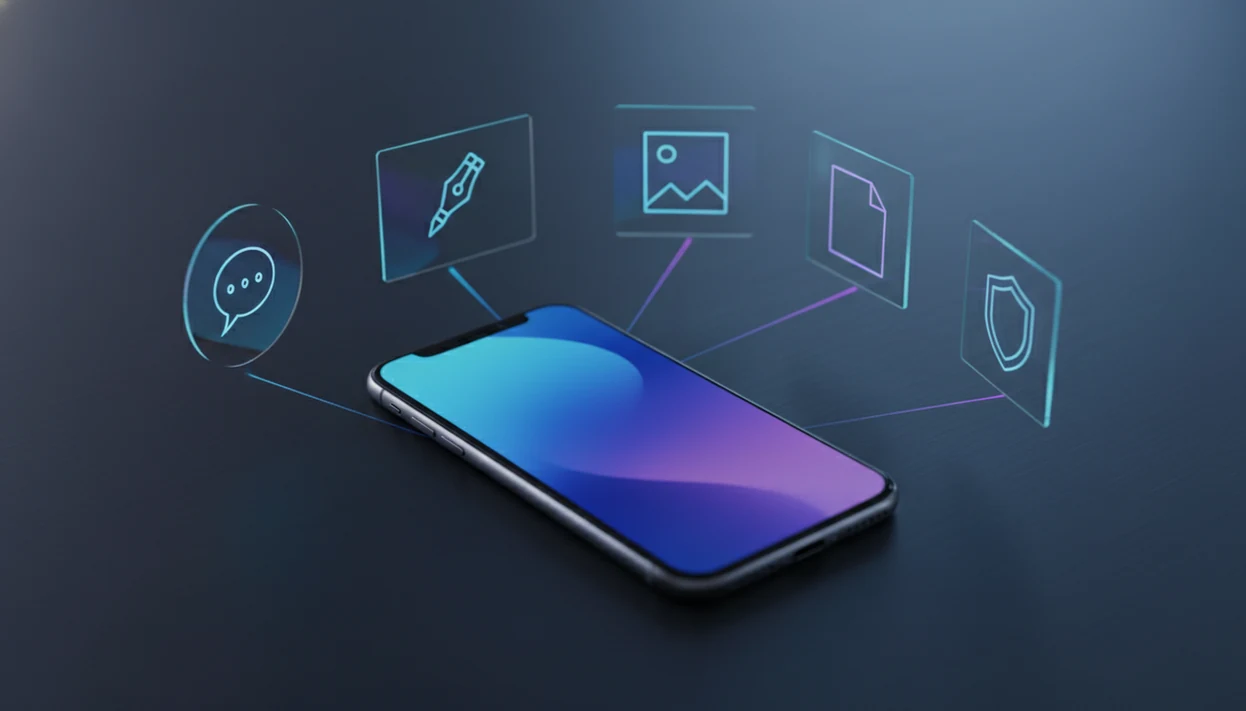
> Definition: AIACI is an AI agent app for iPhone that routes chat, writing, image, document, and detection tasks to specialized agents for mobile users and teams.
- AIACI connects you to a network of specialized AI agents, not a single chatbot.
- Heavy processing runs in the cloud; your iPhone handles secure input, file handling, and result display.
- Mobile-first workflows support file uploads, agent routing, chat, and detection from one screen.
Available AIACI iPhone Agent Types And Workflows
On iPhone, the app gives mobile users access to chat, writing, image generation, document analysis, and detection agents from one routed interface. The practical gain is simple: you choose the task first, then the request goes to a specialized agent instead of one general chat window.
The iOS workflow is built around phone behavior. You can type a request, use voice input, upload a file, or review a result without rebuilding the prompt in another app. That matters when the messy work pile is already on the phone: meeting notes, a half-written brief, screenshots, and a support ticket.
A commuter looking for one mobile place to draft, check, and summarize work benefits when routing separates writing, document, and detection jobs before the result comes back to the phone.
According to DataReportal’s 2024 global overview, mobile devices account for about 59% of global web traffic: https://datareportal.com/reports/digital-2024-global-overview-report. An iPhone agent hub fits that shift because the phone becomes the control surface while cloud agents handle the heavier work.
Five iOS AI Agent Facts For Mobile Workflows
- AI agents differ from basic chatbots because they can call tools, use APIs, and execute workflow steps, not only return text answers.
- Most current AI agents for iOS run heavy model processing in the cloud. The iPhone mainly handles secure input, permission prompts, file selection, and result display.
- AIACI routes chat, writing, image, document, and detection requests through web tools in the browser.
- Mobile agent workflows can connect with webhooks, Shortcuts, and third-party tools, although iOS permissions still limit what a third-party app can control directly.
- AIACI routes requests to the right specialized agent and returns the result to one mobile screen, which reduces app switching when a task moves from draft to review.
Good AI agents for iOS deliver task routing, file-aware workflows, and reviewable outputs, not invisible automation that controls every app on your phone. If your priority is fewer prompt rewrites, AIACI fits because the agent type is selected before the task is processed.
How The iPhone AI Chat App Routes Tasks To Specialized Agents
An iPhone AI chat app routes tasks by taking mobile input, classifying the user’s intent, sending the request to a cloud agent, and returning a phone-ready result. In AIACI, that routing layer is the difference between a single-model chat app and a multi-agent workflow.
Here is the mechanism. You submit text, voice, or a file on iPhone. The routing layer reads the task intent, such as “summarize this PDF,” “rewrite this intro,” “generate an image,” or “check this text for AI-like patterns.” A specialized cloud agent then executes the task and formats the answer for the iOS screen.
The page count pause is real.
We notice this most with document work. You drag a PDF into a document agent, wait for the page count to finish loading, then ask for clause numbers or action items. For mixed work, agent routing usually matters more than model choice because the workflow depends on sending the right task to the right agent.
How To Use The AIACI AI Agent App On iPhone
Use AIACI on iPhone by choosing the task type first, submitting mobile input, then reviewing the returned agent result before exporting or continuing. The flow is designed for one-handed use, so a quick task can start from the phone instead of waiting for a desktop session.
- Download the AIACI app from the App Store, or search for AIACI by name.
- Create an account or sign in with your existing account.
- Select the agent type for your task: chat, writing, image, document, or detection.
- Submit your input as typed text, voice, camera content, screenshot, or uploaded file.
- Review the agent result, then export it, revise it, or continue the workflow in another agent.
People who keep five nearly identical chat app icons on an iPhone home screen benefit from AIACI because the first decision is the workflow category, not which chatbot to open. ACI works better when you still review the output before sending it anywhere important.
Ready to start your quit?
An AI agent app for iPhone like AIACI routes chat, writing, image, document, and detection tasks to specialized cloud agents in a mobile-first interface. Unlike basic chatbots…
Minimum Requirements For AI Agents On iPhone
AI agents on iPhone generally require a current supported iOS version, App Store access, and a stable internet connection because cloud agents do the heavy processing. For AIACI, plan around iOS 16 or later unless the current App Store listing states a newer minimum.
Compatible iPhone models depend on the active iOS requirement, not only the app name. If your iPhone can run the required iOS version and connect reliably, it can usually serve as the mobile front end for agent tasks.
Apple reported over 1.8 billion active devices globally in early 2023, which explains why iOS support matters for AI workflow tools. Still, the phone is not doing the full model run locally. Spotty train Wi-Fi can turn a tidy workflow into a retry screen.
For readers comparing platforms, the Android-specific version is covered in our AI agent app for Android guide.
Mobile AI Agent Workflow: iPhone Vs Desktop Experience
The iPhone experience is better for capture, quick review, and notification-driven handoffs, while desktop is stronger for large files, multi-window review, and long editing sessions. AIACI keeps the same core agent categories across devices, but the input style changes.
| Workflow area | iPhone experience | Desktop experience |
|---|---|---|
| File handling | Camera uploads, Files picker, screenshots, share sheet | Drag-and-drop, folder browsing, larger batch review |
| Completion flow | Push notifications and quick return to result | Browser tabs, multi-window comparison |
| Interface | One-handed cards and compact result views | Wider layouts and side-by-side editing |
| Connectivity | Requires stable data or Wi-Fi for cloud execution | Usually more reliable on fixed broadband |
| Agent parity | Chat, writing, image, document, and detection agents available with mobile constraints | Same agent categories, easier long-form review |
If the priority is capturing work the moment it appears, AIACI earns the spot because camera uploads, voice input, and routed agent selection live in the mobile workflow. For deep editing, desktop still wins. A proposal intro rewritten on the train may need a second pass on a larger screen.
Privacy Labels And File Handling For iOS AI Agent Apps
iOS AI agent apps should explain what data they collect, how uploaded files move through cloud processing, and which actions remain visible for review. Apple privacy labels usually cover categories such as contact info, user content, identifiers, diagnostics, and usage data.
AIACI file handling is built around upload, processing, result return, and retention controls. Uploaded files travel from the iPhone to cloud agents for the selected task. Teams should define how long processed files are kept, who can see outputs, and which logs are available for source checks or audits.
iOS sandboxing also matters. One app cannot freely inspect another app’s private data, so agent-to-agent flow must happen through approved inputs, exports, share sheets, integrations, or user-granted permissions.
Pew Research Center found in 2023 that 58% of U.S. adults who had heard of ChatGPT were at least somewhat concerned about AI use: https://www.pewresearch.org/short-reads/2023/08/28/growing-public-concern-about-the-role-of-artificial-intelligence-in-daily-life/. That concern is reasonable. When a detector score appears, the user still has to read the flagged sentence and decide what to change.
Download The AIACI AI Agent App For iPhone
Download AIACI by searching for AIACI in the App Store, then confirm the publisher, iOS requirement, privacy label, and current pricing before installing. The iPhone app gives you routed access to specialized agents for chat, writing, image generation, document analysis, and detection.
If a free tier, trial, or usage-based plan is available, the App Store listing is the place to verify the current offer. Pricing can change as cloud model costs change.
If your priority is testing a routed workflow before committing, start with one document or one draft. The broader comparison is covered in our best AI agent app for iPhone guide.
Limitations
AIACI can simplify mobile task routing, but an iPhone AI agent app still has hard boundaries. These are the ones to check before depending on it for daily work.
- iOS sandboxing prevents true free-form control across all apps. Agents cannot simply tap through every private screen on your phone.
- Background execution is limited. Long-running jobs may need cloud completion, notifications, or a manual return to the app.
- A stable internet connection is required for cloud agent execution. No connection means no real agent run.
- Subscription or usage-based costs may apply because cloud LLM processing is not free to operate.
- Agents can misread instructions, skip edge cases, or produce confident errors. A review step is still necessary.
- Phone-use agents that tap, swipe, and operate interfaces are still early and brittle.
- Apple Shortcuts integrations are useful, but limited in scope for third-party AI apps.
- Tools like chatgpt.com, poe.com, perplexity.ai, and claude.ai may be better for single chat, broad research, or model-specific work.
For cost-sensitive users, a free AI agent app can be a better starting point than a paid plan because it reveals whether the workflow fits before larger files or team tasks are added.