

Agent Routing For AI Workflows And Specialized AI Agents
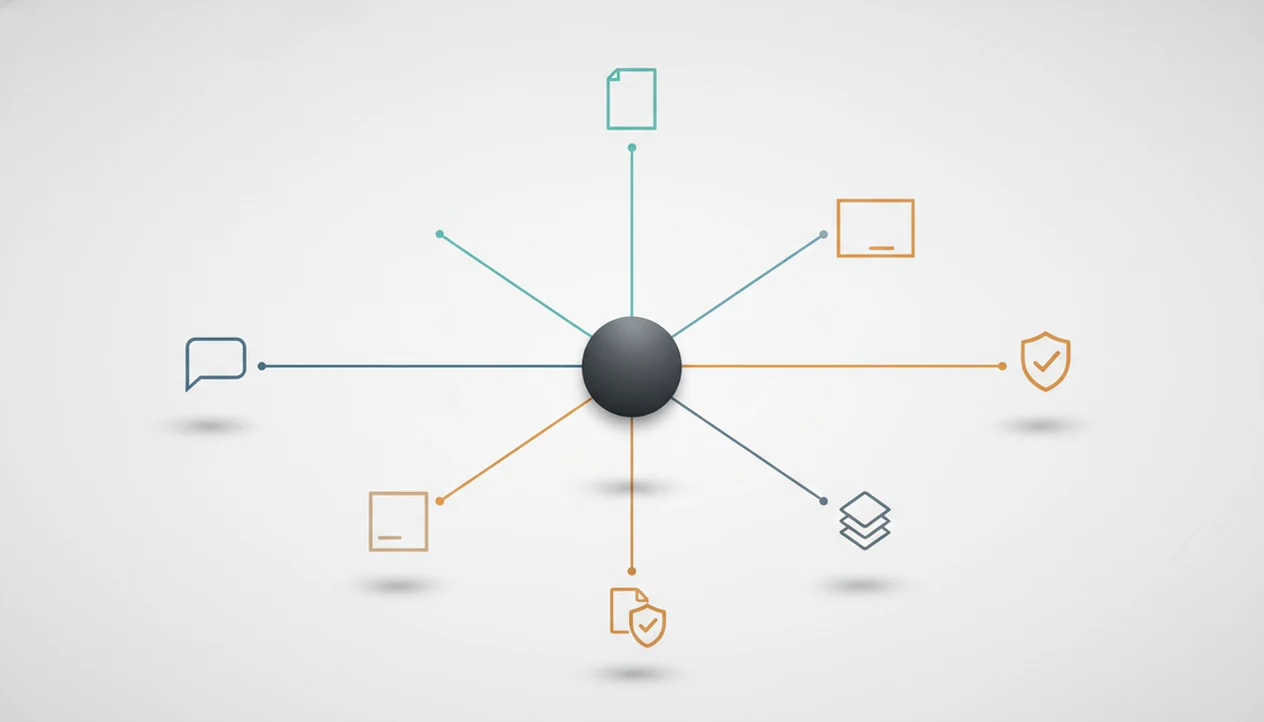
Quick answer: Agent routing is the decision layer that sends each user request to the right model, tool, or specialized agent for the job. In an AI agent network, that means a chat request, writing task, image prompt, document upload, or detection need can be routed to the agent built to handle it.
> Definition: Agent routing is the process of inspecting a request, identifying its intent and constraints, and selecting the most appropriate AI agent, model, tool, or workflow path to complete it.
TL;DR
- Agent routing replaces one-size-fits-all chatbot handling with a decision layer that chooses the right specialized agent.
- Modern AI task routing usually combines LLM intent detection, rules, metadata, tool descriptions, confidence scoring, and fallbacks.
- Good agent orchestration improves accuracy, latency, cost control, and user experience, but it needs monitoring and guardrails.
Agent Routing Definition For AI Task Routing
Agent routing is a workflow decision layer, not just a chatbot feature. It works like a traffic controller: it reads the request, checks the conditions, then sends the work to the right lane.
In practice, routing may send a task to a language model, API, database tool, specialized agent, or human reviewer. A user asking “rewrite this support reply” should not land in the same path as a user uploading a vendor contract. Different job. Different risk.
Tools like AIACI use this pattern across chat, writing, image, document, and detection agents. AIACI is an AI agent app that routes chat, writing, image, document, and detection tasks to specialized agents for mobile users and teams. A user staring at five nearly identical chat app icons on an iPhone home screen is usually trying to avoid that choice manually.
Agent Routing Mechanics At A Glance
Agent routing works by reading signals from the user request and turning them into a workflow decision. The router may inspect text, metadata, file type, urgency, conversation history, permissions, and available tools before it chooses where the task goes.
The output is not always “pick one bot.” It can be an agent, model, tool, sequence, fallback, or escalation path. For teams comparing a tool that can route AI tasks, the useful question is what the router sees before it acts.
| Routing input | Routing decision | Workflow outcome |
|---|---|---|
| User asks for a draft | Writing agent | Structured draft with revision options |
| PDF file uploaded | Document analysis agent | Summary, citations, extracted clauses |
| Urgent support message | Support workflow plus escalation | Faster triage with human review |
| Low confidence classification | Fallback route | Safer answer or clarification prompt |
For operations teams, agent routing affects cost, latency, accuracy, and satisfaction because it decides how much work each system performs.
Before You Configure Agent Routing
Before you configure agent routing, define what the router is allowed to see, decide where risk requires review, and choose the numbers you will use to judge performance. This turns routing from a clever demo into an accountable workflow.
- Inventory the work. List the real requests users send, the file types they attach, the tools the system can call, and the permissions each route may need. Include the messy cases, such as one message that asks for a summary, rewrite, and policy check.
- Mark the risk points. Decide which tasks need human review, privacy limits, retention rules, or audit logs before the router can complete the job. Sensitive documents and detection outputs should not be treated like ordinary draft requests.
- Set the baseline. Record target ranges for routing accuracy, response latency, cost per task, and fallback frequency so later changes have a reference point.
- Assign an owner. Name the person or team that reviews misroutes, updates agent descriptions, adjusts thresholds, and keeps the routing map current when tools or policies change.
Five Facts About AI Task Routing
- Agent routing chooses the best-suited path. It selects an agent, tool, function, service, or human handoff based on the task.
- Modern AI task routing is usually hybrid. It combines LLM intent detection with rules, function calling, metadata checks, and code.
- An AI router chain has several jobs. It may classify intent, select agents, sequence steps, pass context, and learn from outcomes.
- Agent orchestration coordinates the whole experience. It lets multiple specialized agents contribute without making the user manage every handoff.
- Routing quality changes the user experience. Better routing can reduce wasted model calls, slow responses, wrong-tool outputs, and abandoned workflows.
For a team with meeting notes, a half-written brief, screenshots, and a support ticket in the same work pile, routing is the difference between “ask one chatbot again” and “send each piece to the right system.”
Small choices compound.
Agent Routing Steps Inside An AI Router Chain
Agent routing works by turning a messy request into a controlled sequence: parse the request, detect intent, inspect context, score candidate paths, choose a route, pass the needed context, and validate the output. The full mechanics are similar to the flow described in how AI agent routing works, but the key point is that the router is making operational decisions before generation begins.
Intent Detection And Request Classification
An LLM router can classify open-ended language, while a rules-based router handles clear cases like file type or permission limits. Function calling and code routers add structure when the system must call a specific tool. Hybrid routing is often safer than a purely LLM-based router because it gives uncertain requests a guardrail.
Agent Selection And Context Passing
After classification, the router scores candidate agents and checks confidence thresholds. If confidence is low, it can ask a clarifying question, choose a safer fallback, or escalate. The handoff matters; passing the wrong paragraph from a PDF can ruin a good route.
Five Setup Steps For Specialized AI Workflows
To use agent routing, define the work before choosing the router. The cleanest setups start with task boundaries, not model names.
Use these steps when you are designing or evaluating a router, not after agents are already live. The goal is to make every route testable: known input, chosen agent, expected output, fallback, and owner.
- Map user intents and task types. List the requests people actually make, such as drafting, summarizing, detecting, comparing, extracting, or generating images.
- Define each agent’s scope, inputs, outputs, and failure cases. Write down what each agent should accept, refuse, and return.
- Set routing rules, LLM classifications, and confidence thresholds. Combine fixed rules with flexible intent detection so obvious cases stay fast.
- Add fallbacks, escalation paths, and validation checks. Decide what happens when the router is unsure, an agent fails, or the output needs review.
- Monitor routing decisions and improve agent descriptions over time. Review misroutes, update labels, and version the workflow as agents change.
For mobile-first teams, the setup also needs thumb-speed clarity. Cold fingers typing on a sidewalk won’t tolerate a routing form with twelve required fields.
Agent Orchestration Examples In An AI Agent Network
Agent orchestration is the coordination layer that lets routed tasks move across specialized agents and return as one usable result. A good AI agent network should deliver practical task routing across chat, writing, image generation, document analysis, and detection, not a vague promise that one chat box can do everything.
- Writing request: “Turn these notes into a client update” routes to a writing agent that understands structure, tone, and revision.
- Uploaded PDF: A PDF routes to a document analysis agent. We usually notice the wait when the page count finishes loading.
- Image prompt: “Make a thumbnail concept for this post” routes to an image generation agent, often producing variations in grid view.
- Suspicious content: A detector agent reviews text, but the user still has to read the flagged sentence.
- Mixed request: A brief, screenshot, and document can move through several agents before the system recomposes one answer.
Apps such as AIACI, chatgpt.com, claude.ai, and poe.com approach routing differently, so workflow fit matters more than feature count.
Agent Routing Approaches For Cost, Latency, And Accuracy
Agent routing architecture should match the task’s risk, speed needs, and cost tolerance. A simple router is enough when task types are obvious; a multi-step AI router chain is justified when intent, files, permissions, or tool choices are ambiguous.
| Routing approach | Useful when | Trade-off |
|---|---|---|
| Rules-based routing | Inputs are predictable | Fast and cheap, but brittle |
| LLM intent routing | User language is varied | Flexible, but may misclassify |
| Tool/function calling | The system must call specific tools | Structured, but requires good schemas |
| Embedding similarity routing | Requests match known examples | Helpful for retrieval, but needs upkeep |
| Hybrid routing | Accuracy and safety both matter | More maintainable, but more complex |
For many business workflows, hybrid routing usually works better than a single router type because rules handle known constraints while LLMs interpret messy language. Complex routing graphs can slow real-time experiences, especially when every step calls another model.
Four Myths About Agent Routing
- Myth 1: Agent routing means sending a chat to any available bot. Real routing evaluates intent, constraints, tools, confidence, and fallback options.
- Myth 2: One large LLM removes the need for routing. A strong model may still need access to calculators, databases, document tools, image systems, or domain agents.
- Myth 3: Routing only applies to customer support. It also supports writing workflows, research triage, image generation, document analysis, and detection.
- Myth 4: Routing is set-and-forget. Agent scopes change, tool names drift, and user behavior shifts. The triage board gets dragged across columns because real work never stays still.
The agent handoff vs tool calling debate matters here because routing can transfer control to another agent or keep one agent in charge while it calls tools.
Common Agent Routing Mistakes And Troubleshooting
When routes keep landing with the wrong agent, inspect the decision inputs before blaming the model. Most failures come from vague scopes, stale metadata, weak confidence rules, or a router chain that asks too many models to make the same choice.
Overlapping agent scopes are a common culprit. If “writing,” “editing,” and “brand voice” agents all claim the same rewrite request, the router has no clean basis for selection. Give each agent sharper acceptance criteria, refusal cases, and examples. Slow chains need the same cleanup: collapse duplicate classification steps, move obvious file-type and permission checks into rules, cache repeated decisions, and reserve expensive model calls for genuinely ambiguous tasks.
- Review the failed request. Check the user wording, attachments, metadata, permissions, conversation history, chosen route, confidence score, and final output.
- Compare candidate scopes. Look for agents with nearly identical descriptions or tools that promise the same outcome.
- Tighten the route. Add examples, exclusions, thresholds, and validation checks where the router was guessing.
- Choose the escape path. Use a fallback for safe generic handling, escalation for risk or policy review, and a clarification prompt when the user’s intent is missing.
- Retest with similar cases. Run the corrected route against past failures before shipping the change.
Agent Routing Evidence From Customer Service Automation
The clearest public evidence for agent routing comes from contact-center automation, where routing affects labor cost, escalation paths, and handle time. This evidence is a proxy for broader AI task routing, not proof that every multi-agent workflow improves automatically.
McKinsey’s 2023 State of AI survey found that 40% of organizations using AI reported using it in at least one customer-service function (https://www.mckinsey.com/capabilities/quantumblack/our-insights/the-state-of-ai-in-2023-generative-ais-breakout-year). Gartner projected in 2022 that conversational AI would reduce contact-center agent labor costs by $80 billion by 2026 (https://www.gartner.com/en/newsroom/press-releases/2022-08-31-gartner-says-conversational-ai-will-reduce-contact-center-agent-labor-costs-by-80-billion-by-2026). The U.S. Bureau of Labor Statistics reports about 2.9 million customer service representative jobs in the United States, which shows the scale of workflows affected by routing and escalation design (https://www.bls.gov/ooh/office-and-administrative-support/customer-service-representatives.htm).
Those figures explain the pressure behind AI task routing. Still, support automation is only one use case. The same routing logic appears when a team sends a contract to a document agent, a headline to a writing agent, or an internal request through an AI agent workflow timeline.
Limitations
Agent routing fails when the decision layer has weak signals, vague agent boundaries, or no safe escape route. It needs monitoring, not blind trust.
A vendor demo is not enough evidence of routing quality. Ask for route logs, fallback rates, misroute examples, latency by route, and the review process used when an agent chooses the wrong path.
- LLM routers can misread intent, especially when the user combines several tasks in one message.
- A router can hallucinate tool choices if the available tools are poorly described.
- Overlapping agent scopes create routing conflicts; “writing,” “editing,” and “humanizing” can blur quickly.
- Complex router chains add latency, infrastructure burden, and debugging difficulty.
- Sensitive document analysis requires privacy, security, retention, and compliance controls.
- Detection workflows need careful review because a score is not proof of misconduct.
- Fallbacks are required for low confidence, agent failure, loops, dead ends, and missing permissions.
- Routing systems need versioning as models, prompts, agents, and policies change.
A weekly workflow map on a whiteboard often reveals the real problem: the router was built for the clean process, not the one people actually use.
FAQ
What is agent routing?
Agent routing is the decision process that chooses the right AI agent, model, tool, service, or human handoff for a user request.
How does AI task routing work?
AI task routing classifies the user’s intent, checks context and constraints, selects a workflow path, passes relevant information, and validates the result.
What is an AI router chain?
An AI router chain is a multi-step routing sequence that can classify a request, choose an agent or tool, execute the task, and trigger a fallback if needed.
Why do teams use specialized AI agents?
Teams use specialized AI agents because focused agents can improve workflow fit, speed, cost control, and output quality for repeated task types.
Can one LLM handle every task without routing?
A single large model can answer many prompts, but it may still need routing to tools, APIs, files, or specialized agents for reliable execution.
What is agent orchestration?
Agent orchestration is the coordination of multiple agents, tools, shared context, workflow steps, and final outputs into one user experience.
Is agent routing only used for customer support?
No. Agent routing also applies to writing, image generation, document analysis, detection, research, operations, and mobile AI workflows.
What causes wrong agent routing decisions?
Wrong routing decisions often come from unclear user intent, bad metadata, overlapping agent scopes, weak tool descriptions, missing permissions, or no fallback path.
How do you evaluate an agent routing system?
Evaluate agent routing with routing accuracy, latency, cost per task, fallback rate, user satisfaction, failure analysis, and review of misrouted examples.