

Specialized AI Agents For Chat, Files, Images, Text, And Detection
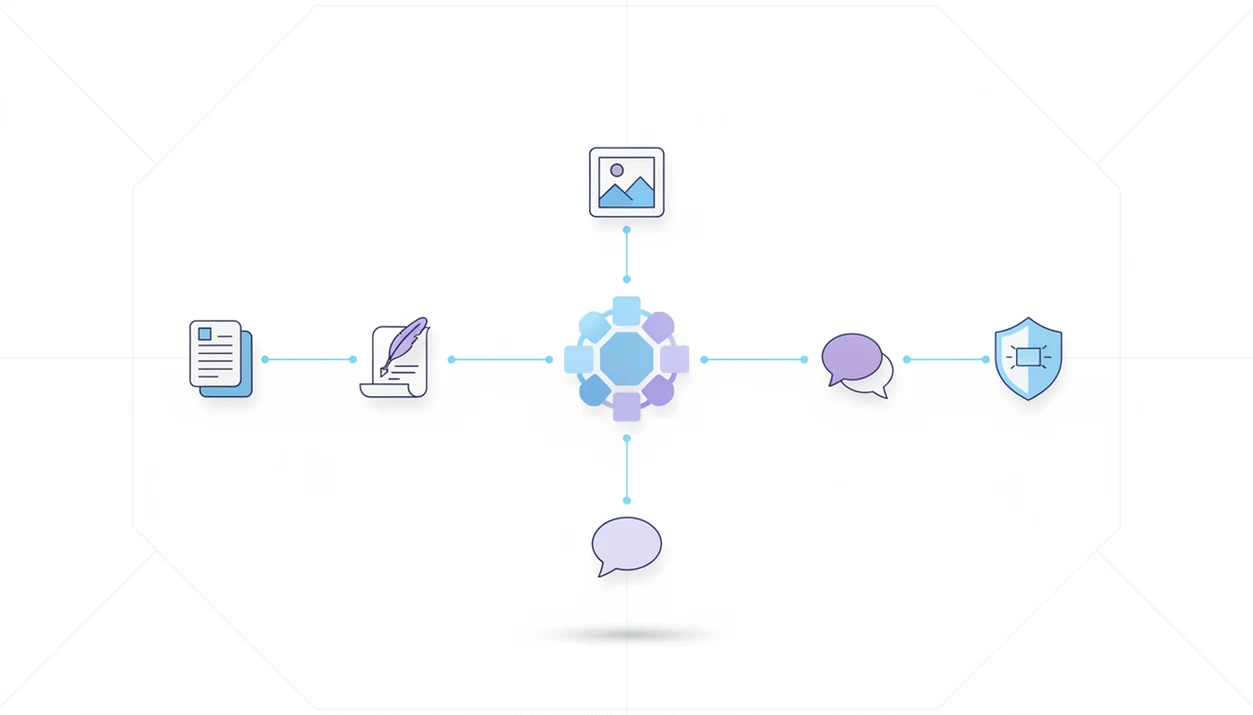
Specialized AI agents are task-focused AI systems that handle one category of work, such as document analysis, writing, image generation, chat, or detection, instead of forcing every request through one broad chatbot. They improve workflow clarity by giving each task a responsible agent with its own tools, rules, memory, and permissions.
> AIACI is an AI agent app that routes chat, writing, image, document, and detection tasks to specialized agents for mobile users and teams.
- Specialized agents separate work by job type, which makes AI workflows easier to understand, review, and govern.
- An agent network or orchestrator routes each request to the right document, writing, image, chat, or detection agent.
- The best use cases are repeatable workflows where different tasks need different tools, permissions, memory, or review standards.
Specialized AI Agents Definition For Real Workflows
Specialized AI agents are autonomous or semi-autonomous AI systems built to complete narrow, well-defined tasks within a larger workflow. A document agent, for example, is not just “a chatbot with a PDF prompt”; it has file handling, extraction rules, context limits, and review expectations designed around documents.
A general chatbot changes behavior when the user changes the prompt. A task-focused agent changes the working environment around the task. That can include a PDF parser, a writing style guide, an image model, a chat memory, or a detection classifier.
The distinction matters when the work pile is messy: meeting notes, a half-written brief, screenshots, and a support ticket. A routed workspace makes this idea more visible by separating chat, writing, image, document, and detection tasks instead of collapsing them into one prompt box.
Small boundary. Big difference.
At-A-Glance Specialized AI Agents By Task Type
Task specific AI agents are easier to understand when each one has a named job, a known input, and a review step. Naming the task owner reduces cognitive load because users no longer have to remember which prompt style fits each stage.
| Agent type | Primary job | Typical input | Typical output | Review need |
|---|---|---|---|---|
| Document agent | Read, summarize, extract, compare | PDF, DOCX, receipt, contract | Summary, table, Q&A, clause list | Check source passages |
| Writing agent | Draft and revise structured text | Notes, outline, brief | Email, proposal, article, script | Check tone and facts |
| Image agent | Generate or adapt visuals | Prompt, sketch, brand note | Concept image, campaign visual | Check rights and accuracy |
| Chat agent | Answer live questions | User question, saved context | Direct answer, next action | Check assumptions |
| Detection agent | Flag patterns or risk | Text, message, file excerpt | Spam, AI-text, or policy signal | Read flagged items |
Someone staring at five nearly identical chat app icons on an iPhone home screen does not need more ambiguity. They need the right agent for the next step.
Five Facts About Task Specific AI Agents
- Specialized agents pursue specific goals and complete well-defined tasks, such as summarizing files, drafting copy, generating visuals, answering questions, or flagging risky text.
- Separating agents improves workflow clarity because each agent has a visible responsibility boundary and a matching review step.
- Agent networks use routing or orchestration to coordinate specialists, which is why the broader AI agent network pattern matters for multi-step work.
- Different agents can have different tools, memory, permissions, and policies, instead of sharing one broad access model.
- Specialized agents work best when embedded into real web and mobile workflows, not isolated as novelty demos.
A 2023 McKinsey survey found that 79% of respondents had at least some exposure to generative AI at work, and 22% used it regularly in their own work source. In a 2024 MIT Sloan Management Review and BCG study, 79% of surveyed organizations reported using or exploring agentic AI systems source.
How Specialized AI Agents Work Inside An Agent Network
Specialized AI agents work through a routing layer that classifies the request, selects the right specialist, and passes only the needed context forward. The routing layer is often called an orchestrator. In plain terms, it is the traffic desk.
A user might drag a PDF into a document agent and wait for the page count to finish loading. The system can then extract text, summarize sections, and hand selected findings to a writing agent without making the writing agent responsible for parsing the file.
Each agent can use different tools: PDF parsers for documents, style rules for writing, diffusion or image models for visuals, chat memory for ongoing support, and classifiers for detection. Logs, evaluation sets, and human review make the system easier to debug. For governance framing, NIST’s AI Risk Management Framework recommends mapping, measuring, managing, and governing AI risks throughout system use: https://www.nist.gov/itl/ai-risk-management-framework. They do not make it fully autonomous. The practical goal is controlled task routing, not a machine that quietly decides everything.
A good AI agent network platform routes tasks to specialized agents for chat, writing, image generation, document analysis, and detection, not a black-box assistant that hides every handoff from the user.
How To Use Specialized AI Agents In A Workflow
Use specialized AI agents by treating each one as the owner of a defined workflow stage, not as a general helper for everything. The clean pattern is simple: name the stage, choose the right specialist, limit access, review the result, then hand off only what still needs another agent.
- Name the stage and output. Define whether the current job is intake, extraction, drafting, image creation, support response, or detection. Then state the expected deliverable, such as a clause list, campaign image, summary, or revised email.
- Choose the agent that matches the input. Send PDFs and contracts to a document agent, copy tasks to a writing agent, visuals to an image agent, live questions to chat, and risk checks to detection.
- Provide only the needed context. Upload the files, notes, brand rules, or permissions required for that stage. Do not give every agent the whole project folder by default.
- Review the output against the standard. Check summaries against source passages, drafts against brand voice, images against rights and accuracy, and flags against the actual text.
- Pass approved findings forward only when useful. Move clean evidence, notes, or decisions to the next specialist instead of forwarding raw noise.
Specialized AI Agent Examples For Chat, Files, Images, Text, And Detection
Specialized agent examples become useful when the input, task, and output are explicit. A whiteboard doodle turned into a concept is a different job from checking a contract clause.
- Document Analysis Agent: Summarizes a PDF, extracts tables, or compares clauses. Best input: uploaded files. Useful output: cited summary, answer, or checklist.
- Writing Agent: Drafts a proposal, email, brief, or revision. Best input: notes, goal, audience, and tone. Useful output: structured draft.
- Image Generation Agent: Creates campaign visuals or concept art. Best input: prompt, style notes, size, and constraints. Useful output: image options.
- Chat Agent: Answers live questions and keeps a short working context. Best input: direct question. Useful output: answer or next step.
- Detection Agent: Flags spam, policy risk, or AI-generated text. Best input: text sample. Useful output: score, flag, or explanation.
Specialist routing can make these agents feel like one coordinated workspace, especially when a task moves from file to draft to review.
Specialized AI Agents Versus General AI Chatbots
A general AI chatbot is useful for open-ended exploration, quick Q&A, and early brainstorming. Specialized agents fit repeatable workflows where the output format, tools, permissions, and review expectations are already known.
| Dimension | General AI chatbot | Specialized AI agents |
|---|---|---|
| Scope | Broad and flexible | Narrow and task-focused |
| Tools | Often generic or user-selected | Matched to the task |
| Memory | Conversation-centered | Workflow or agent-specific |
| Permissions | Usually shared across the session | Can vary by agent |
| Accuracy | Depends heavily on prompt quality | Improved by task constraints |
| Governance | Harder to separate responsibilities | Easier to audit by role |
| User experience | One open chat surface | Routed workspace with specialists |
The misconception is that one stronger model always beats multiple specialists. In real operations, a single model may still need separate tools, permissions, and evaluation. The deeper AI agent network vs chatbot distinction is less about personality and more about workflow control.
For repeatable team workflows, specialist routing is often easier to review than one long chatbot thread because each output has a named owner and purpose.
When Agent Specialization Improves Workflow Clarity
Does agent specialization improve workflow clarity? Yes, when the work has recurring stages, different file types, different risk levels, or different output formats that benefit from separate handling.
AI agents for workflows make sense in research-to-draft pipelines, PDF-to-summary reviews, image-and-copy campaigns, customer support triage, and compliance checks. A triage board dragged across columns already shows the logic: intake, classify, assign, resolve, review. Specialized agents mirror that structure.
Do not specialize everything. One-off brainstorming, tiny tasks, unclear goals, and low-stakes questions often work better in a general chat. Extra routing can add friction when the user barely knows what they want.
Agent specialization usually works best when the process already has stages, while general chat fits early exploration where the task is still changing.
Apps such as AIACI, ChatGPT, Claude, Poe, and Perplexity can sit at different points in this spectrum, depending on whether the user needs open conversation or routed task ownership.
Common Myths About Specialized AI Agents
Misunderstanding specialized agents leads teams to build systems that look organized but behave unpredictably. The polished demo is not the operating model.
- Myth: specialized agents are just different prompts. Real specialization may include tools, memory, permissions, output schemas, and escalation rules.
- Myth: a single super-agent is always better. One agent with broad access can become harder to test, govern, and debug.
- Myth: agent networks route every task perfectly without design. Routing needs test cases, failure handling, and review logs.
- Myth: specialized agents remove human oversight. A manager reviewing a polished paragraph still has to check the claim, source, and tone.
- Myth: more agents always means better performance. Too many specialists can slow the workflow and confuse users.
The benefits of AI agent networks show up when routing, permissions, and review steps are designed together. More parts alone do not create better work.
Limitations
Specialized AI agents can make workflows clearer, but they still need design, testing, and oversight. A detector score can appear on screen, and the user still has to read the flagged sentence.
- Specialized agents can hallucinate, omit context, or misunderstand the user’s real goal.
- Routing logic must be designed, tested, measured, and improved over time.
- Too many narrow agents can increase latency, cost, handoff errors, and user confusion.
- Bias can enter through training data, retrieval sources, prompts, rules, or evaluation sets.
- Privacy controls matter because different agents may need different upload boundaries and data permissions.
- Audit logs are important when outputs affect customers, employees, contracts, records, or regulated decisions.
- High-risk domains still need human-in-the-loop review from qualified people.
- Mobile access improves availability, but it does not remove review obligations.
- Detection agents can produce false positives and false negatives, especially on short or heavily edited text.
- Agent memory can help continuity, but stale or sensitive memory can create governance problems.
Useful, not automatic.
FAQ
What are specialized AI agents?
Specialized AI agents are AI systems built for a narrow task category, such as PDF analysis, writing, image generation, chat, or detection. A document agent that summarizes and answers questions about uploaded files is a practical example.
How do AI agents work?
AI agents receive a goal, interpret the request, use tools or context, take one or more actions, and return an output. Many agents also log steps or keep limited memory for later review.
What is agent specialization?
Agent specialization is the practice of assigning different AI agents to different task categories. It helps separate responsibilities, tools, permissions, and review standards.
Are AI agents just chatbots?
AI agents are not always just chatbots. A chatbot mainly responds in conversation, while an agent may use tools, memory, goals, routing, and workflow actions.
What are task specific AI agents?
Task specific AI agents are narrow AI systems built for one repeatable job or domain. Examples include contract review agents, writing agents, image agents, and detection agents.
Why use multiple AI agents?
Multiple AI agents can provide clearer responsibility, tailored tools, safer permissions, and easier review. They are most useful when a workflow has distinct stages.
Can AI agents analyze PDFs?
Document-focused AI agents can summarize, extract, compare, and answer questions about PDFs. Users should still review source passages, especially for contracts, policies, research, or financial records.
Do AI agents need oversight?
AI agents need oversight for accuracy, compliance, safety, privacy, and high-risk decisions. Routed agent apps can assign tasks more clearly, but human review remains part of responsible use.